










Audio Cutter AI

Audio Silence Remover

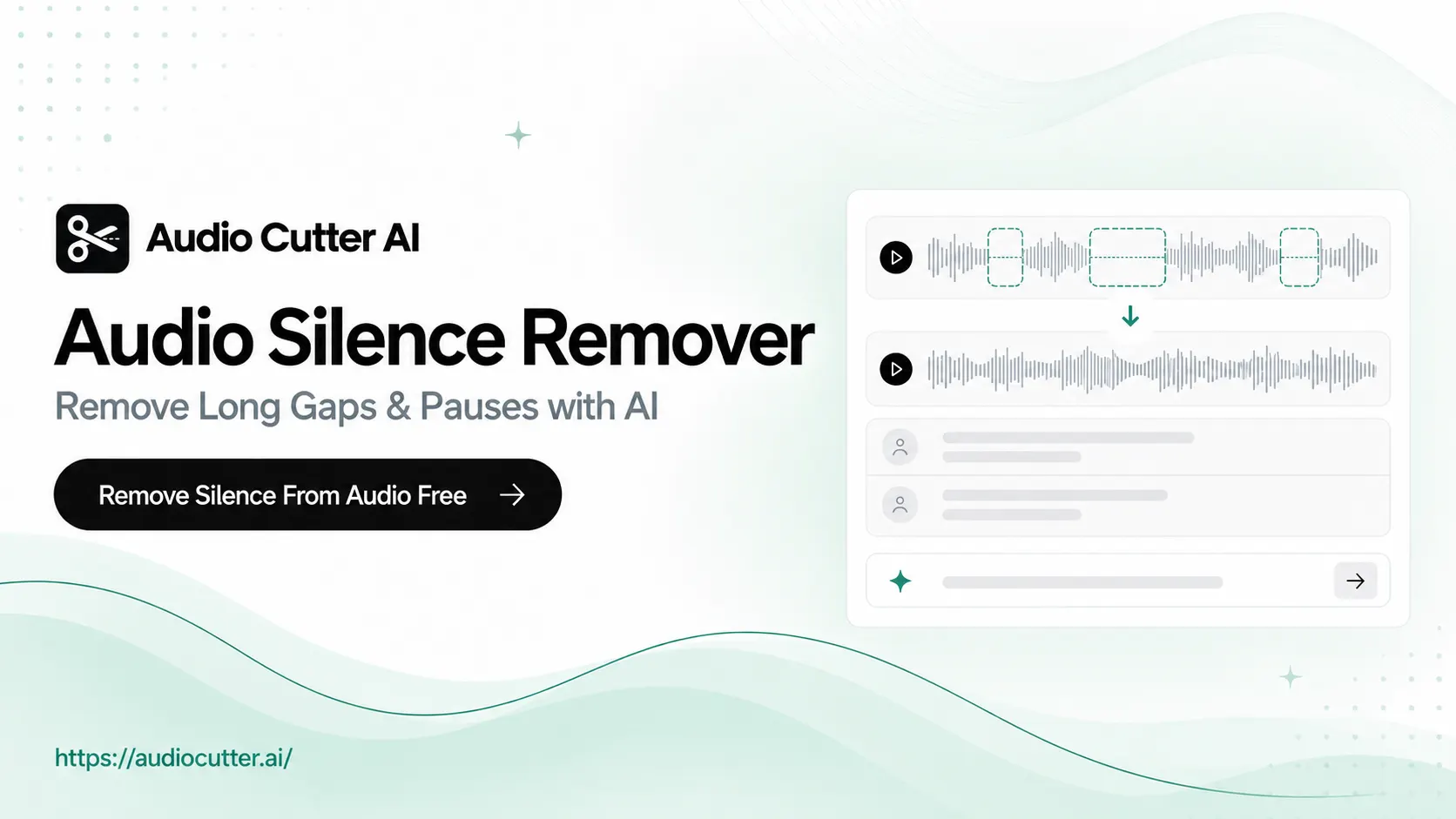
Remove long gaps and pauses from audio with AI. Upload your audio, check detected silence, and create polished audio for your next project.

  • No login required
  • No credit card required
  • 84% avg. time saved
  • 99% content accuracy
  • Security & privacy

Drag & drop your audio here

MP3 · WAV · M4A · Max 3 GB

YouTube links are converted to audio.

Free Audio Silence Remover – Remove Long Gaps & Pauses with AI

Use Audio Silence Remover free online with AI. Cut long audio gaps and pauses using natural language for polished podcasts, interviews, lessons, or voiceovers.

Free Audio Silence Remover – Remove Long Gaps & Pauses with AI

How to Use Audio Silence Remover in 3 Steps

  1. Step 1: Upload Your Audio

    Upload your audio or paste a YouTube link. Audio Silence Remover converts a YouTube video into audio so you can edit it.

  2. Step 2: Edit in Natural Language

    Choose an available editing option or describe what you want to change in natural language. Remove long audio gaps or pauses in the way that works best for your edit.

  3. Step 3: Review and Export Your Audio

    Preview the audio after silence removal online. If needed, you can continue editing before exporting.

What Makes Audio Silence Remover Stand Out?

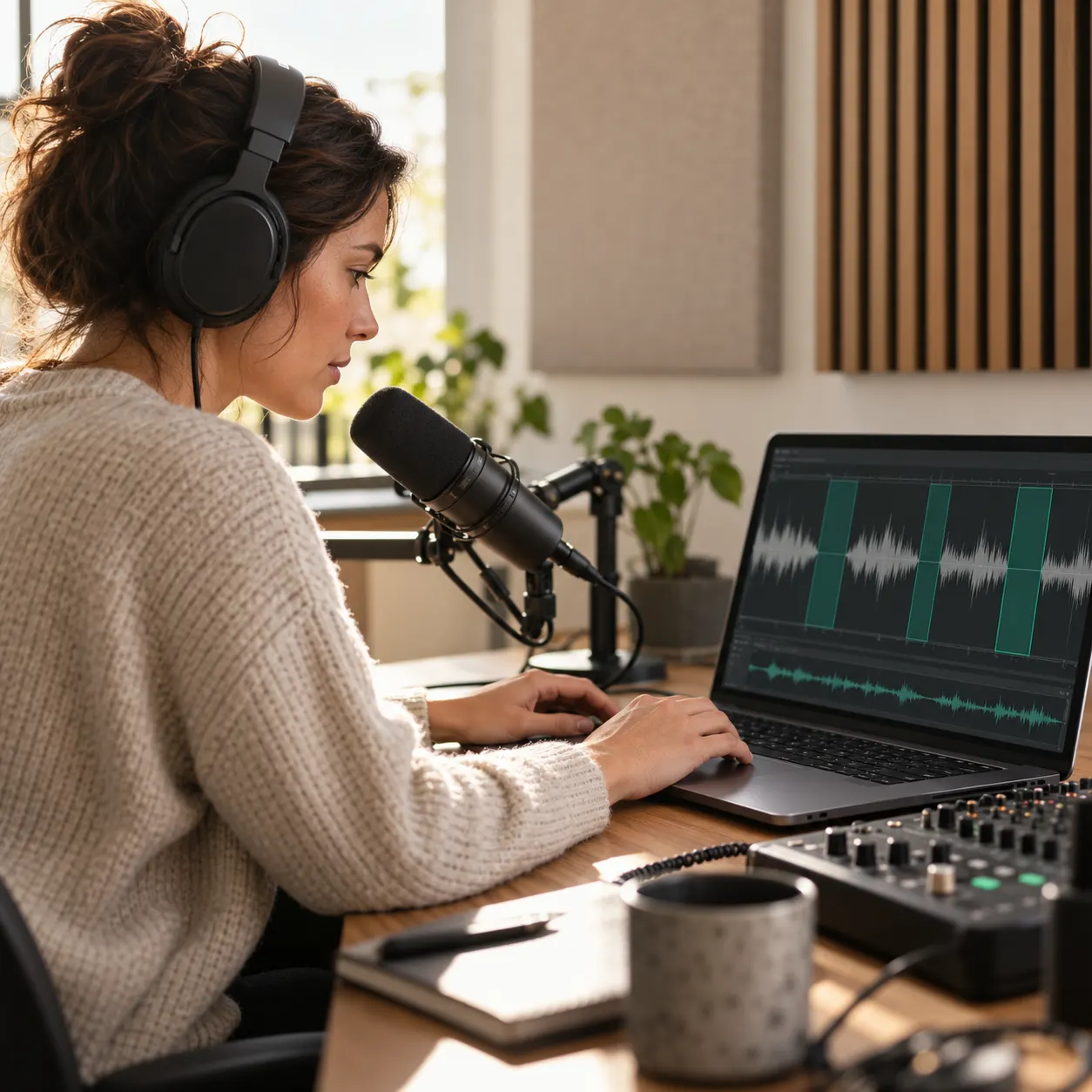
Audio Silence Remover combines AI-powered detection, natural-language editing, and fast online processing to remove long gaps and pauses without complex audio software.

AI-Powered Silence Detection

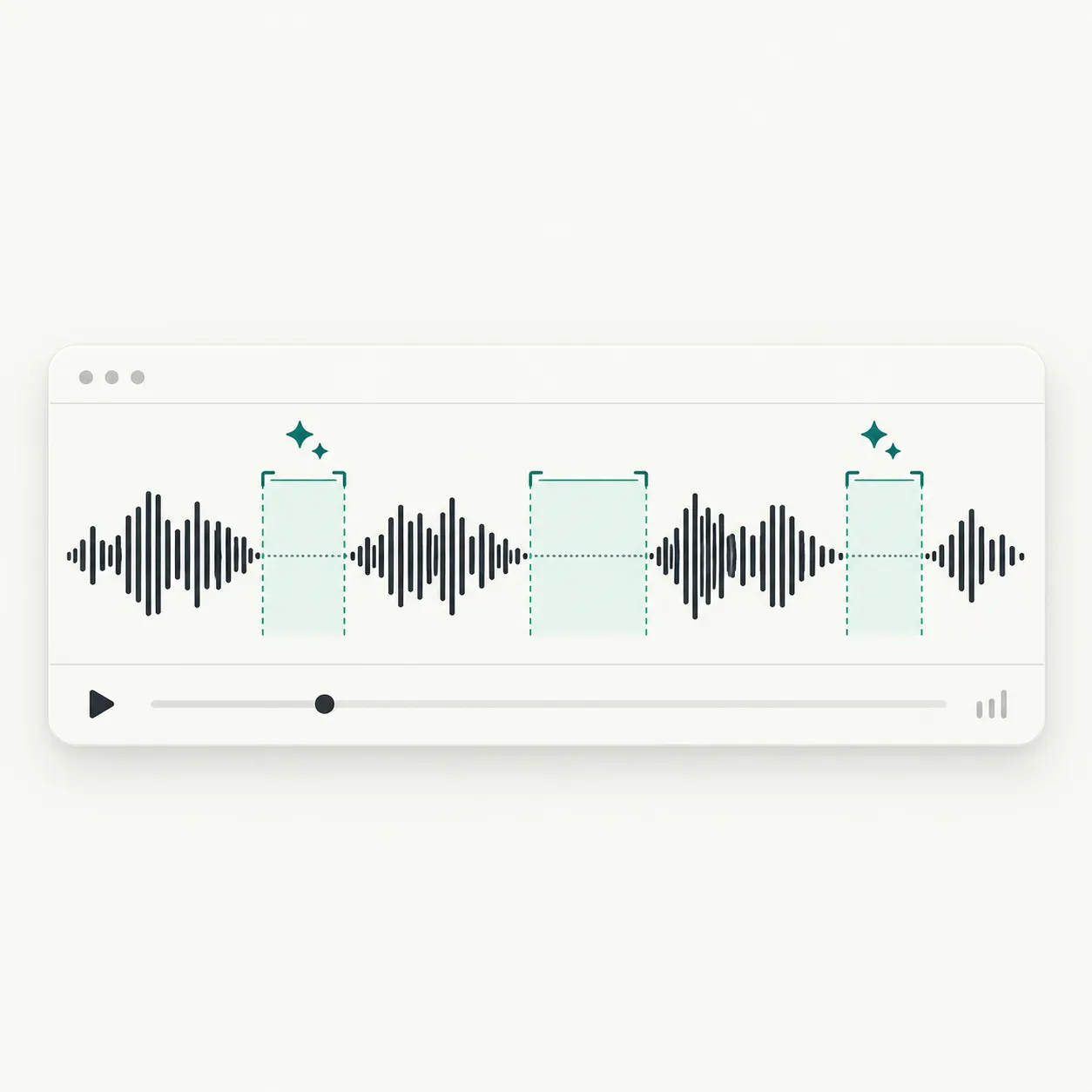
Audio Silence Remover uses AI to detect long silent gaps and pauses in your audio, helping you focus on the sections you want to edit.

AI-Powered Silence Detection

Edit Audio with Natural Language

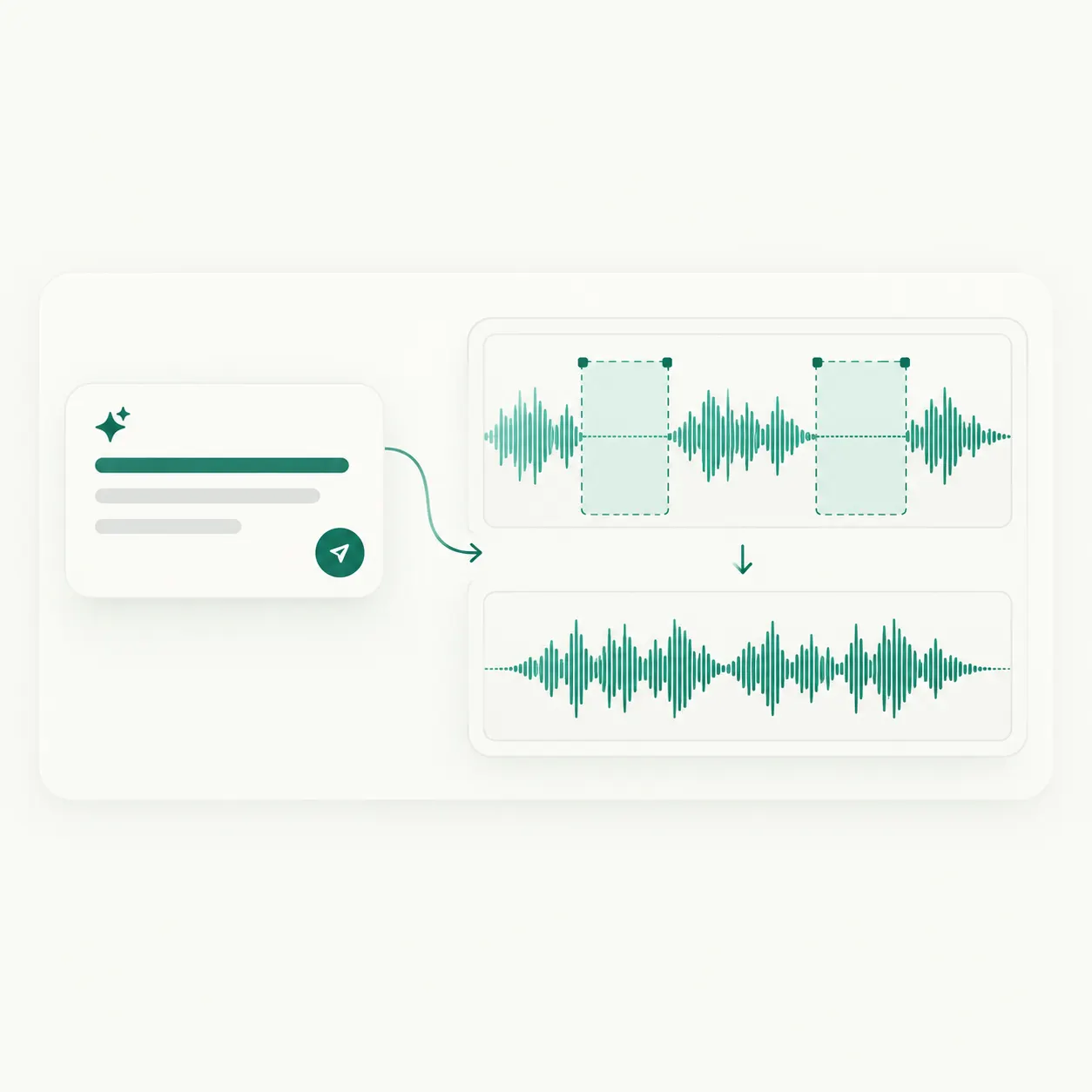
Describe the edit you want in natural language. Audio Silence Remover helps you cut long gaps without learning a complex multitrack editor or needing technical editing skills.

Edit Audio with Natural Language

Free Online Audio Editing

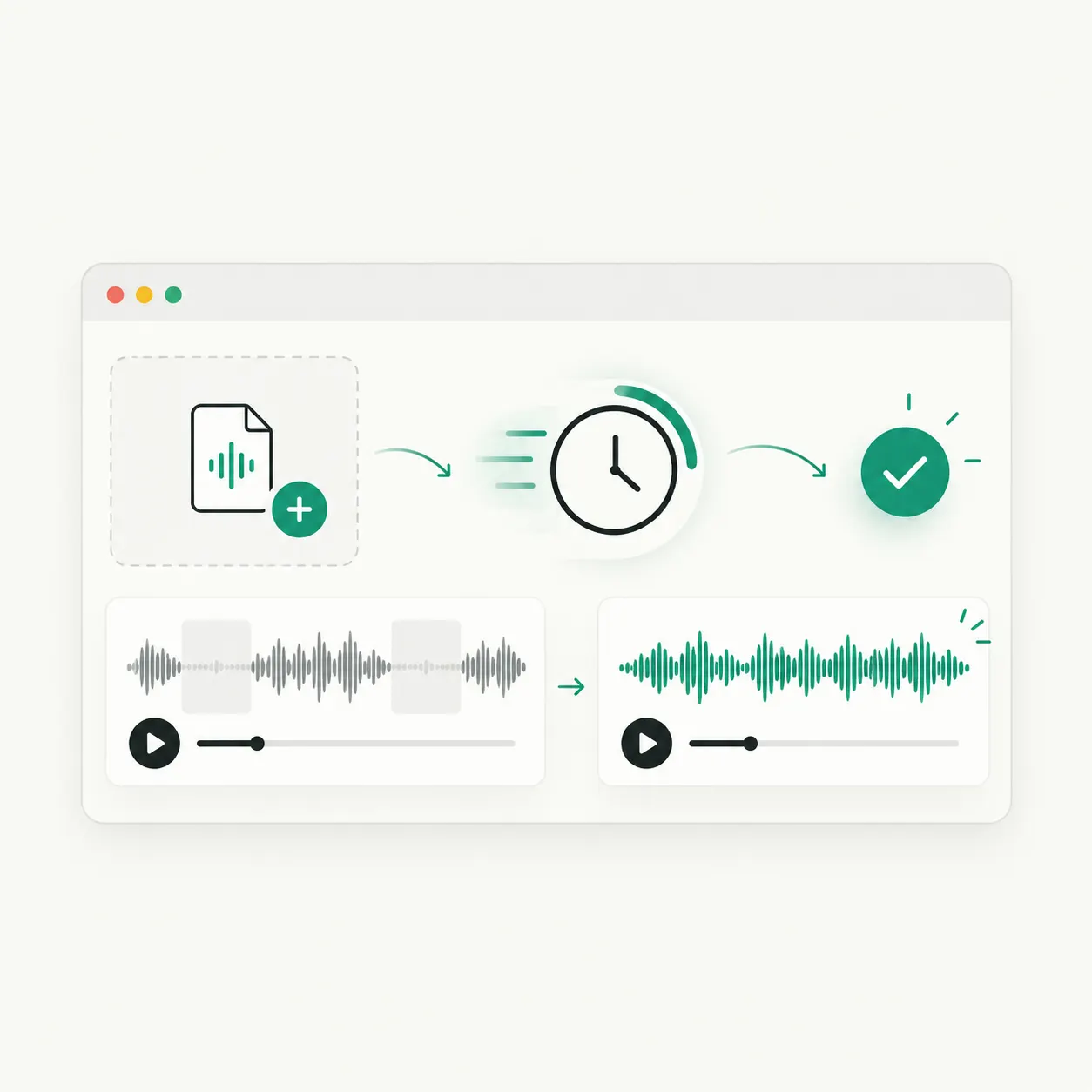
Use Audio Silence Remover online for free and make audio edits quickly in a few simple steps. Preview the result online and continue editing if you want to make changes.

Free Online Audio Editing

Trusted by 10K+ Users & 2,000+ Teams Worldwide

11,384Audio files processed

9,611 hrsSilence removed

36,324Clips created

Google
Harvard University
YouTube
Microsoft
Amazon
Accenture
Spotify
Abbott
Princeton
Databricks
Netflix
Hitachi Solutions
TikTok
Zoom
Cybernews

Make Every Audio Moment Count

Use Audio Silence Remover to cut long gaps and pauses from podcasts, interviews, lessons, or voiceovers. Describe the edit in natural language, preview the result, and create tighter audio faster.

Remove Silence from Audio

What Users Say About Audio Silence Remover

Marcus Lee avatar

Marcus Lee

Interview Editor

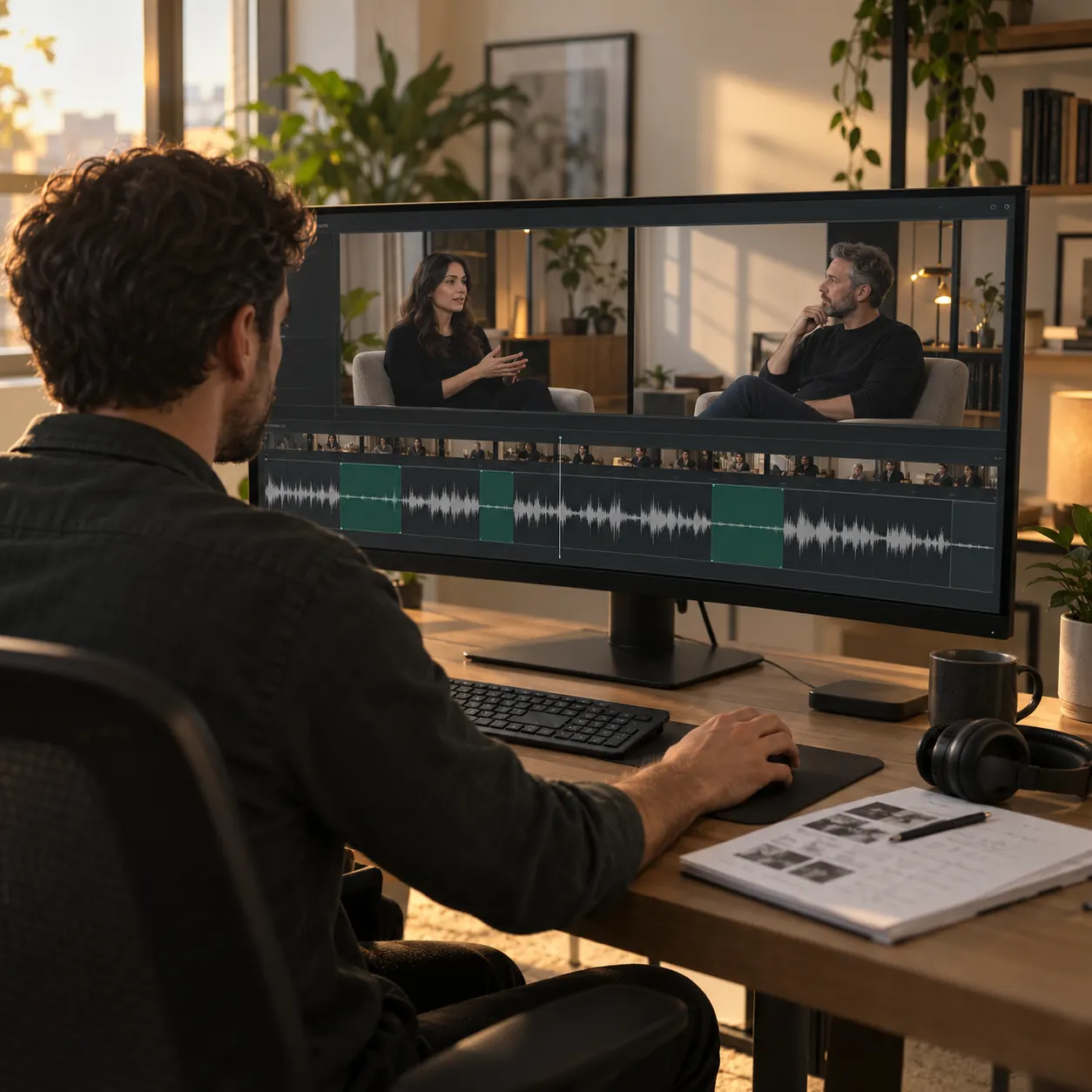
Interview recordings can run long, and manually searching for every pause slows down my editing process. I can choose an editing option or describe what I want in natural language, then preview the audio with long gaps removed and continue refining it until the conversation feels more focused.
Sofia Patel avatar

Sofia Patel

Online Educator*

My lesson recordings sometimes include long pauses while I check notes or switch between materials. Audio Silence Remover gives me a simple way to trim those gaps, listen to the result online, and make further edits so students can stay focused on the explanation.
Ethan Brooks avatar

Ethan Brooks

Voiceover Artist

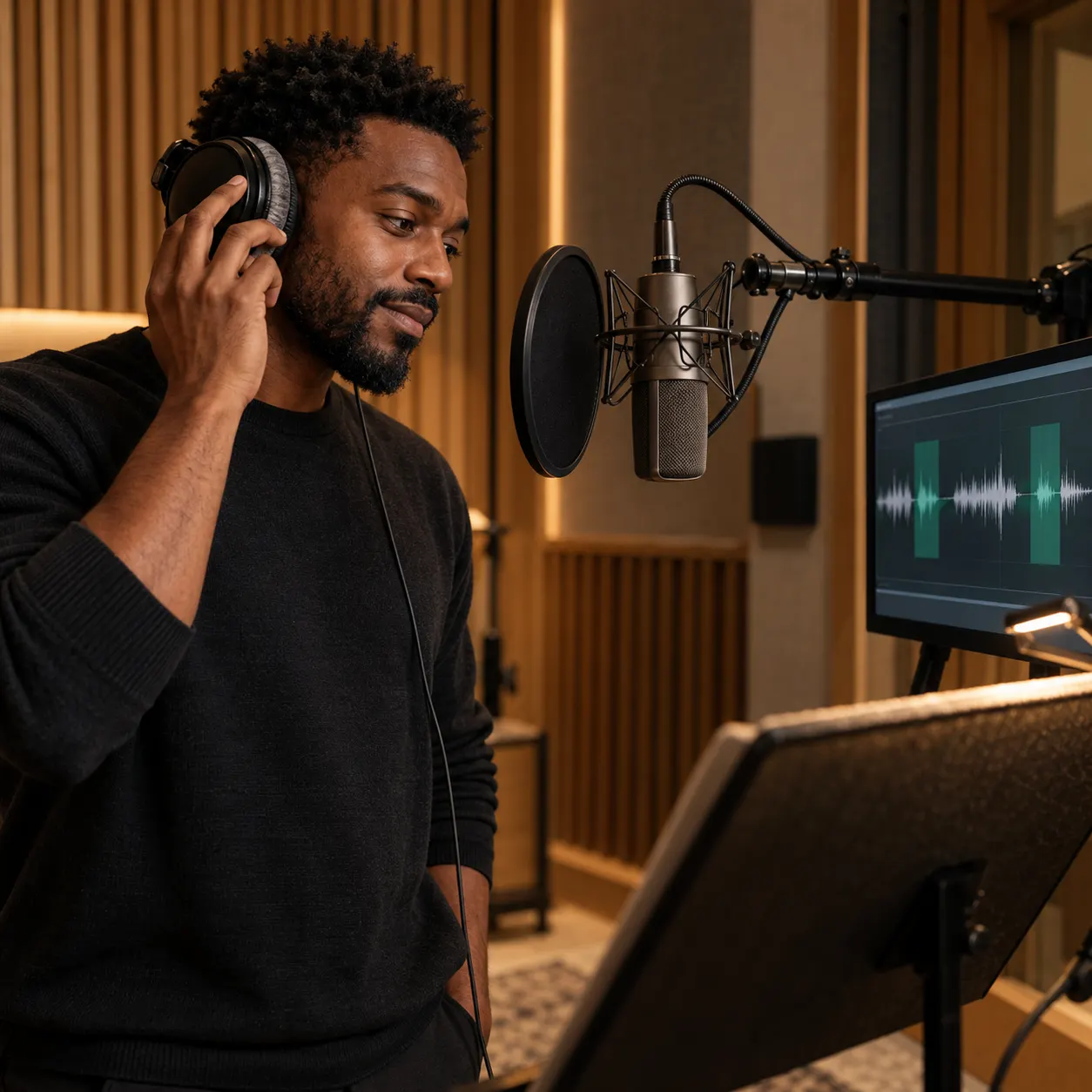
A voiceover session may include resets and long breaks between takes. Instead of working through each pause manually, I can tell Audio Silence Remover what I want to change, preview the edited audio, and keep refining it before using the final take in a project.
Nina Carter avatar

Nina Carter

Video Editor

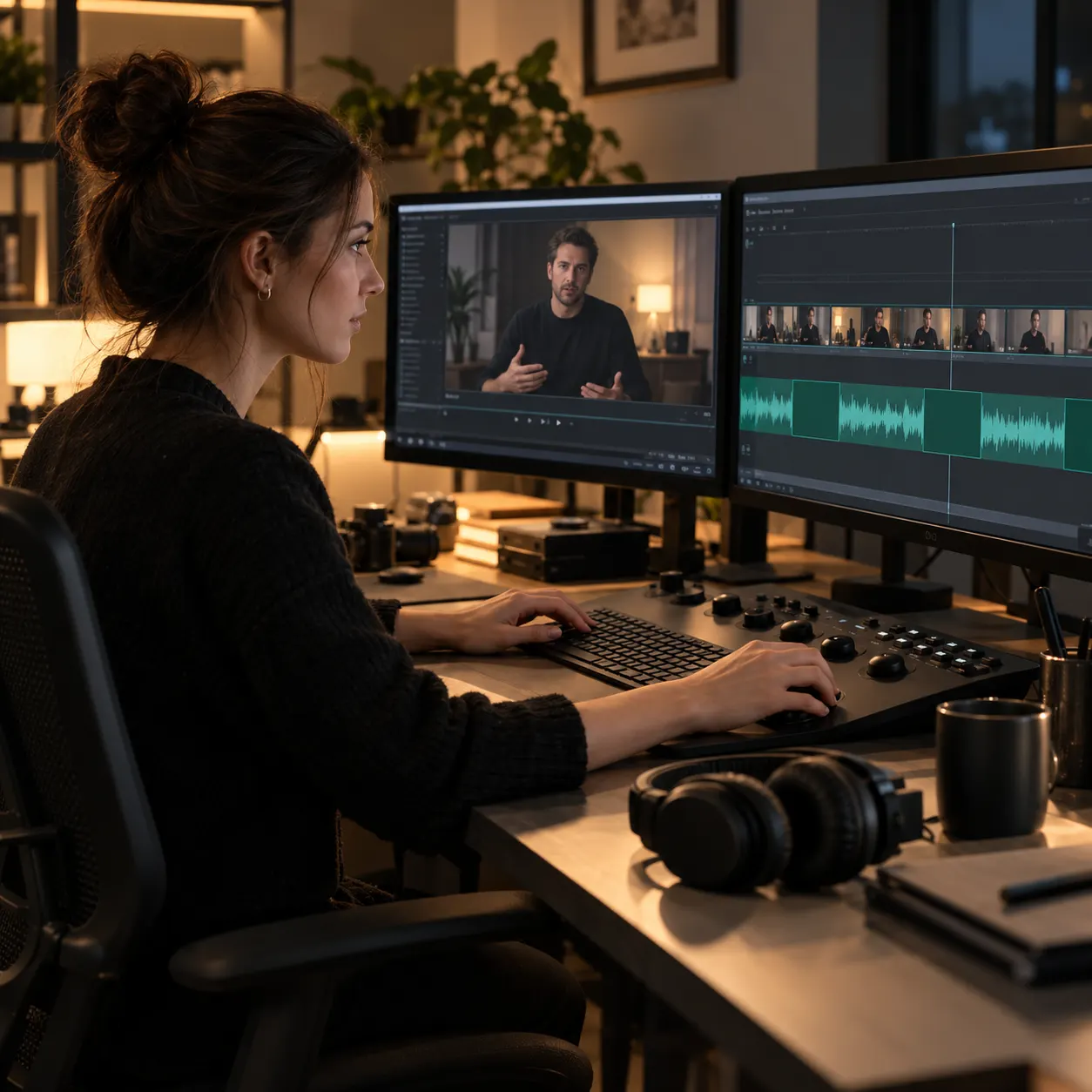
Before I place narration into a video timeline, I want the audio to feel focused without losing time to repetitive cleanup. Audio Silence Remover lets me select an edit or describe the pauses to cut, preview the result online, and make adjustments before moving on to the visuals.
Leo Ramirez avatar

Leo Ramirez

Research Assistant

Long recorded interviews can be difficult to review when pauses stretch the listening time. I use Audio Silence Remover to describe the gaps I want shortened, preview the edited audio, and continue refining it before sharing a more focused recording with my research team.
Ava Mitchell avatar

Ava Mitchell

Podcast Producer

When I edit a long podcast, I often spend too much time replaying sections to find pauses that break the conversation. Audio Silence Remover lets me describe the gaps I want to cut, preview the updated audio online, and keep adjusting the edit before preparing the episode.

Frequently Asked Questions About Audio Silence Remover

Audio Silence Remover is an AI audio editing tool that lets you describe an edit in natural language and remove long gaps and pauses from audio.