













Audio Cutter AI

AI Audio Splitter

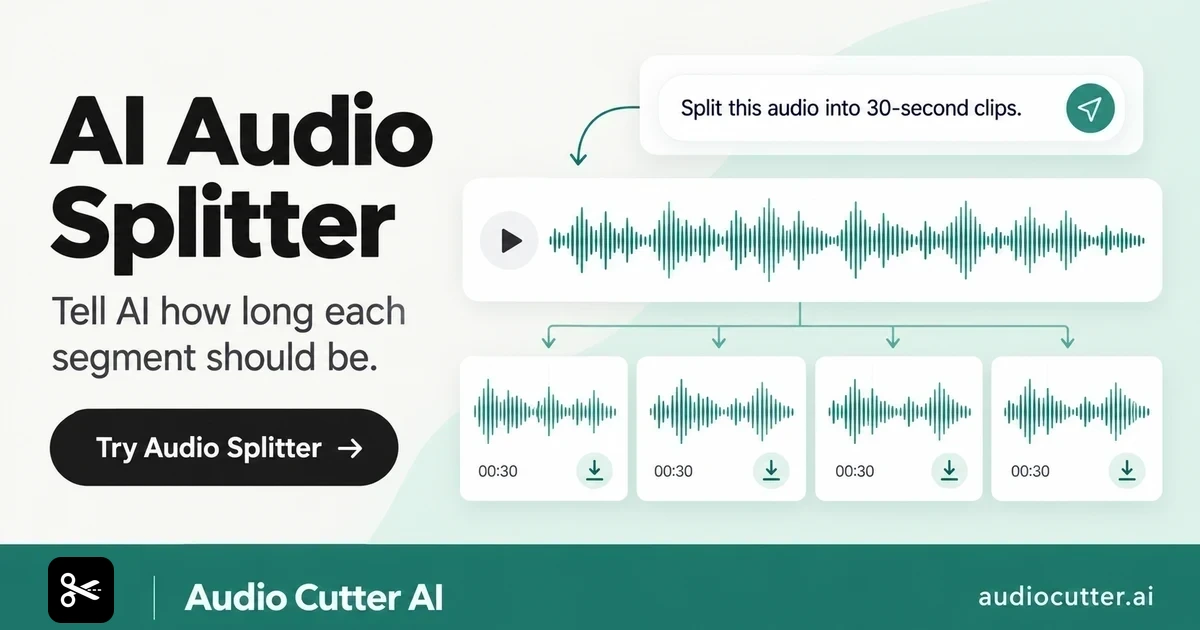
Tell AI how long each segment should be, and it will split your audio into equal parts automatically. No editing skills needed.

  • No login required
  • No credit card required
  • 84% avg. time saved
  • 99% content accuracy
  • Security & privacy

Drag & drop your audio here

MP3 · WAV · M4A · Max 3 GB

YouTube links are converted to audio.

Free Audio Splitter Online: Split Audio into Multiple Clips

Use this AI Audio Splitter to turn one audio file into separate clips online. Split your audio into manageable parts for listening, sharing, or organizing.

Free Audio Splitter Online: Split Audio into Multiple Clips

How to Use AI Audio Splitter in 3 Steps

  1. Step 1: Add Your Audio

    Upload the audio file you want to divide. Audio Splitter gets it ready for a duration-based split.

  2. Step 2: Describe the Clip Length You Need

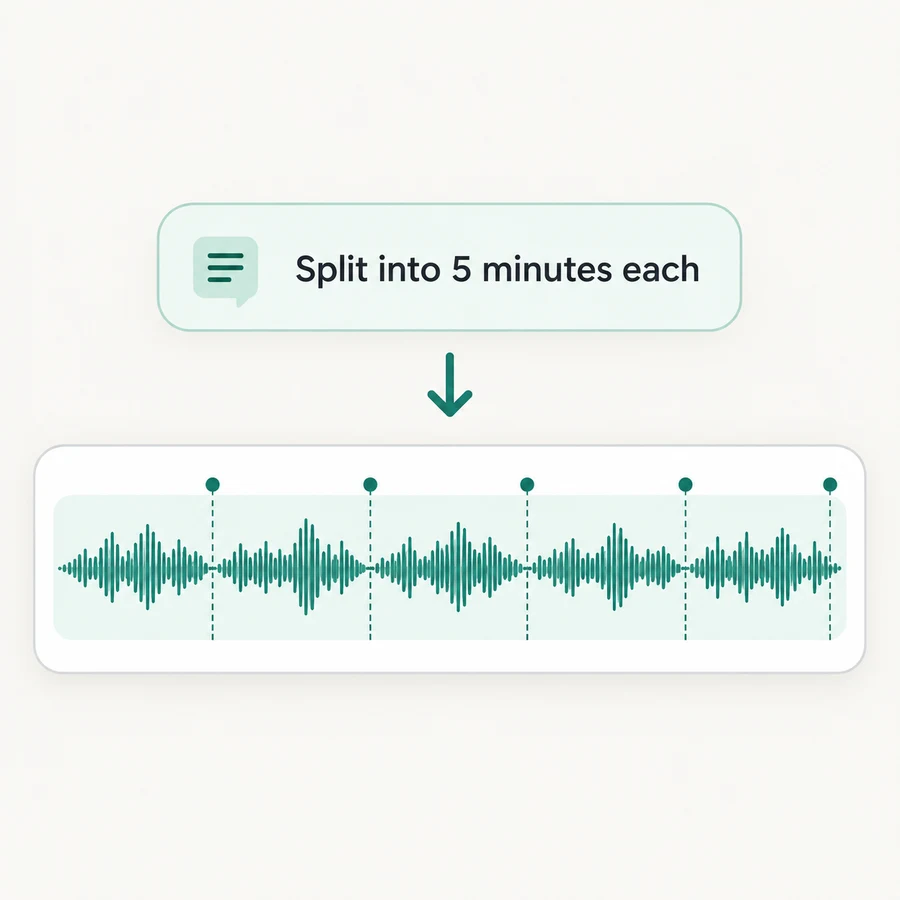
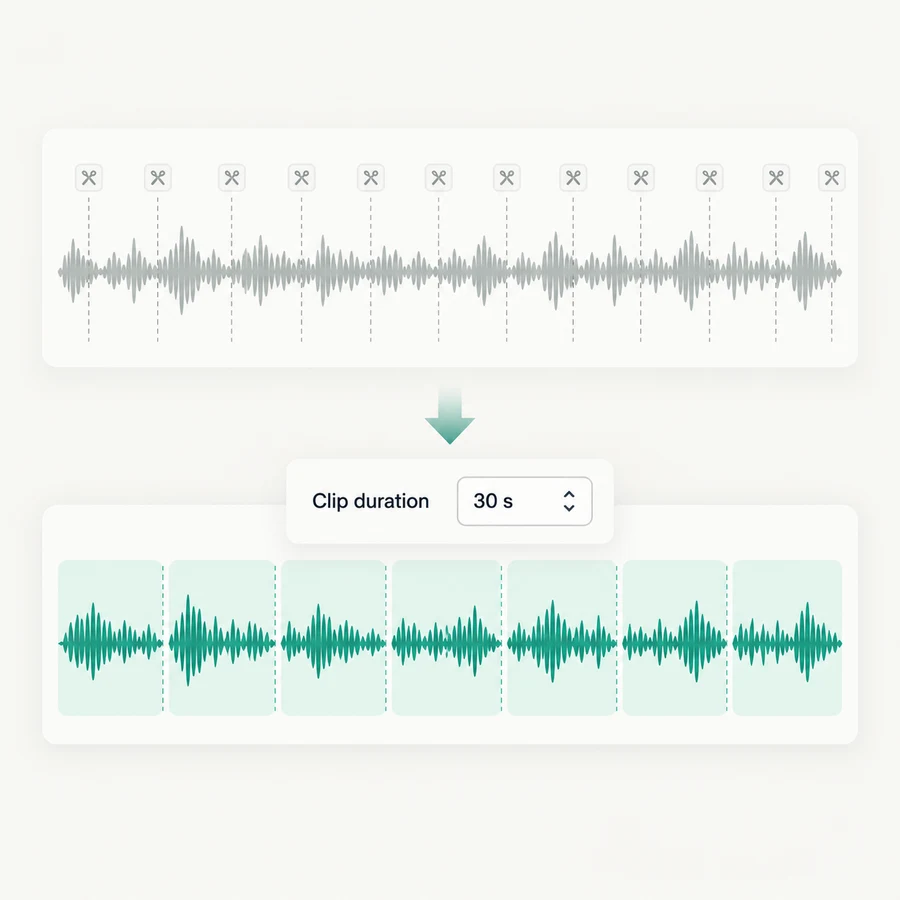
    Tell AI how long each segment should be in natural language. The tool uses your requested duration to divide the audio into equal parts.

  3. Step 3: Get Your Clips

    Your audio is split into evenly timed clips, ready to listen to, share, or organize. There is no need to mark every cut on a timeline.

What Makes AI Audio Splitter Stand Out?

AI Audio Splitter combines natural-language duration control with equal-length output, making long audio easier to manage without repetitive timeline work.

Set a Duration by Simply Describing It

With Audio Splitter, describe the length you want for each clip in everyday language. You can express the result you have in mind without working out timestamps or placing split markers one by one.

Set a Duration by Simply Describing It

Keep Every Segment the Same Length

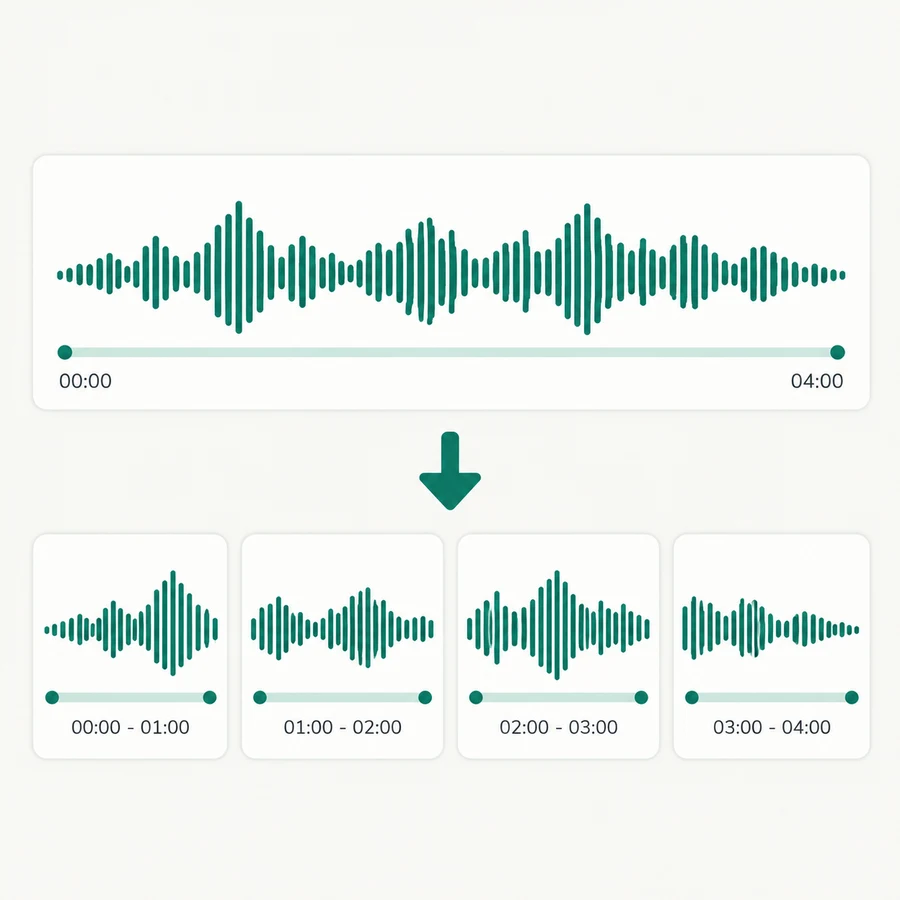
Audio Splitter divides the audio according to the duration you request, producing equal-length parts from one file. This makes the resulting set consistent when you need clips of a predictable length.

Keep Every Segment the Same Length

Skip Repetitive Timeline Work

A long audio file can require many manual cut points. Give the tool the segment duration once, and it applies that interval across the audio so you can move on to reviewing or using the clips.

Skip Repetitive Timeline Work

Trusted by 10K+ Users & 2,000+ Teams Worldwide

11,384Audio files processed

9,611 hrsSilence removed

36,324Clips created

Google
Harvard University
YouTube
Microsoft
Amazon
Accenture
Spotify
Abbott
Princeton
Databricks
Netflix
Hitachi Solutions
TikTok
Zoom
Cybernews

Split Audio with Audio Splitter

Use Audio Splitter to describe how long each segment should be and get equal-length clips from your audio without setting cut points one by one.

Try Audio Splitter

What Users Say About This Audio Splitter

Leah Morgan avatar

Leah Morgan

Language Learner

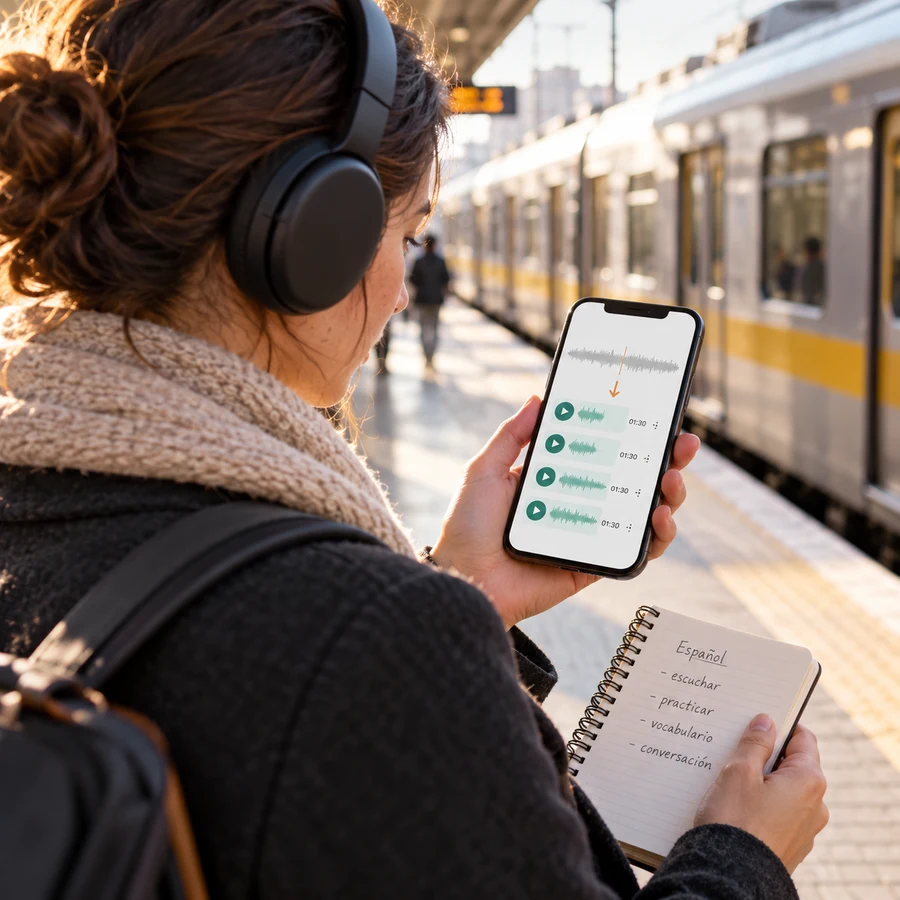
I use Audio Splitter to divide long listening lessons into equal-length clips that fit my commute. I simply describe how long each part should be, then practice one section at a time and continue in order later. It saves me from cutting the audio manually and makes daily repetition much easier to plan.
Owen Carter avatar

Owen Carter

Transcription Coordinator

Our team often needs to distribute long audio files for transcription. With Audio Splitter, I set one segment duration and receive consistent clips that are easier to assign and track. New reviewers understand the workflow quickly, and we avoid spending time placing dozens of cut points on a timeline.
Priya Nair avatar

Priya Nair

University Researcher

I use Audio Splitter to break lengthy study-session audio into predictable time blocks. The smaller parts are easier to label, revisit, and reference while I take notes. Describing the duration in plain language is far more convenient than calculating timestamps and dividing every file manually.
Derek Walsh avatar

Derek Walsh

Support Quality Analyst

Long support-call audio is difficult to review as one continuous file. Audio Splitter creates equal-duration sections that our team can assign and check in sequence. The consistent clip length helps us coordinate progress and discuss a specific review unit without setting each cut by hand.
Lucia Romero avatar

Lucia Romero

Podcast Listener

I rarely have time to finish a long interview or lecture in one sitting. Audio Splitter lets me choose a clip length and turns the audio into equal parts that fit my schedule. I can listen during a commute, stop at a clear boundary, and resume with the next clip instead of searching for my place.
Arjun Bose avatar

Arjun Bose

Field Research Assistant

After fieldwork, I may have hours of spoken audio notes to review with colleagues. Audio Splitter gives us evenly timed clips from the original audio after I describe the segment length. The consistent blocks make it easier to divide review tasks, return to a specific section, and keep the source material organized.

Frequently Asked Questions About Audio Splitter

Audio Splitter is an online tool that turns one audio file into multiple equal-length clips based on the segment duration you describe in natural language. It splits the full audio into a series of clips instead of extracting only one section.