
teachers
Share a recorded explanation
Give students an MP3 they can replay. Use AI Audio Extractor on a lesson video and keep the full worked example.
Use AI Audio Extractor to keep the full soundtrack from a video or describe the section you need. Preview the audio and save it as an MP3.
Drag & drop your audio or video here
MP3 · WAV · M4A · MP4 · MOV · MKV · Max 3 GB
AI Audio Extractor pulls audio from your video. Describe the part you need or keep the full soundtrack, then preview and save an MP3 for listening or editing.
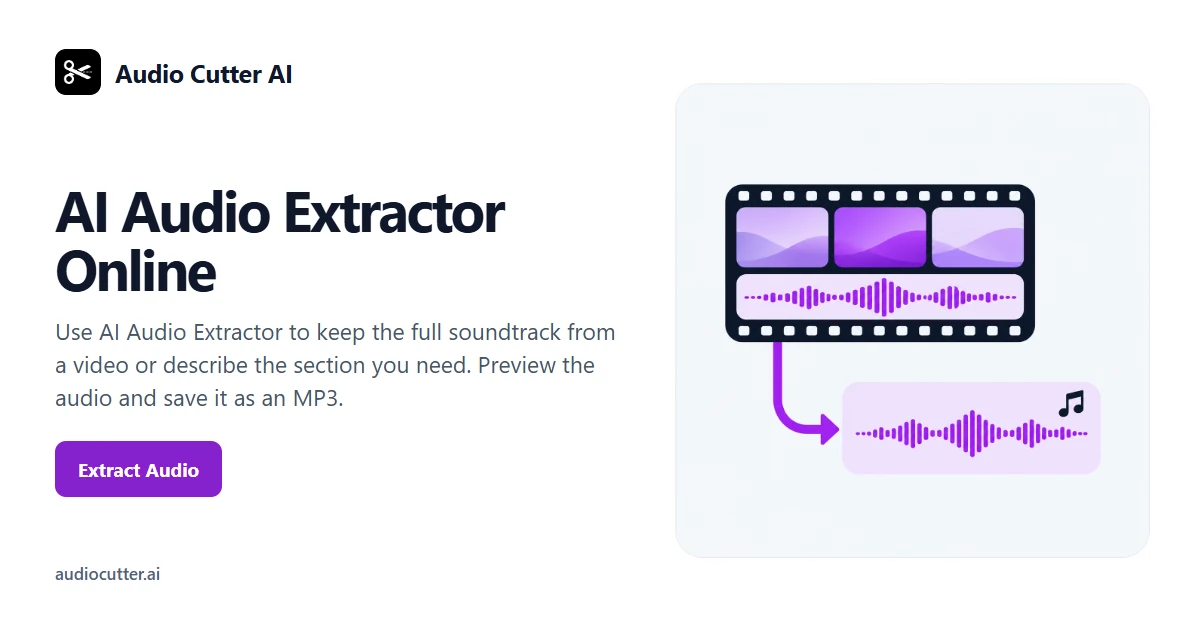
Turn a video’s existing soundtrack into an MP3 with AI Audio Extractor. Keep the full mix or choose one passage.
Upload a video with sound to AI Audio Extractor. Start with the original clip so you can check where the part you need begins and ends.
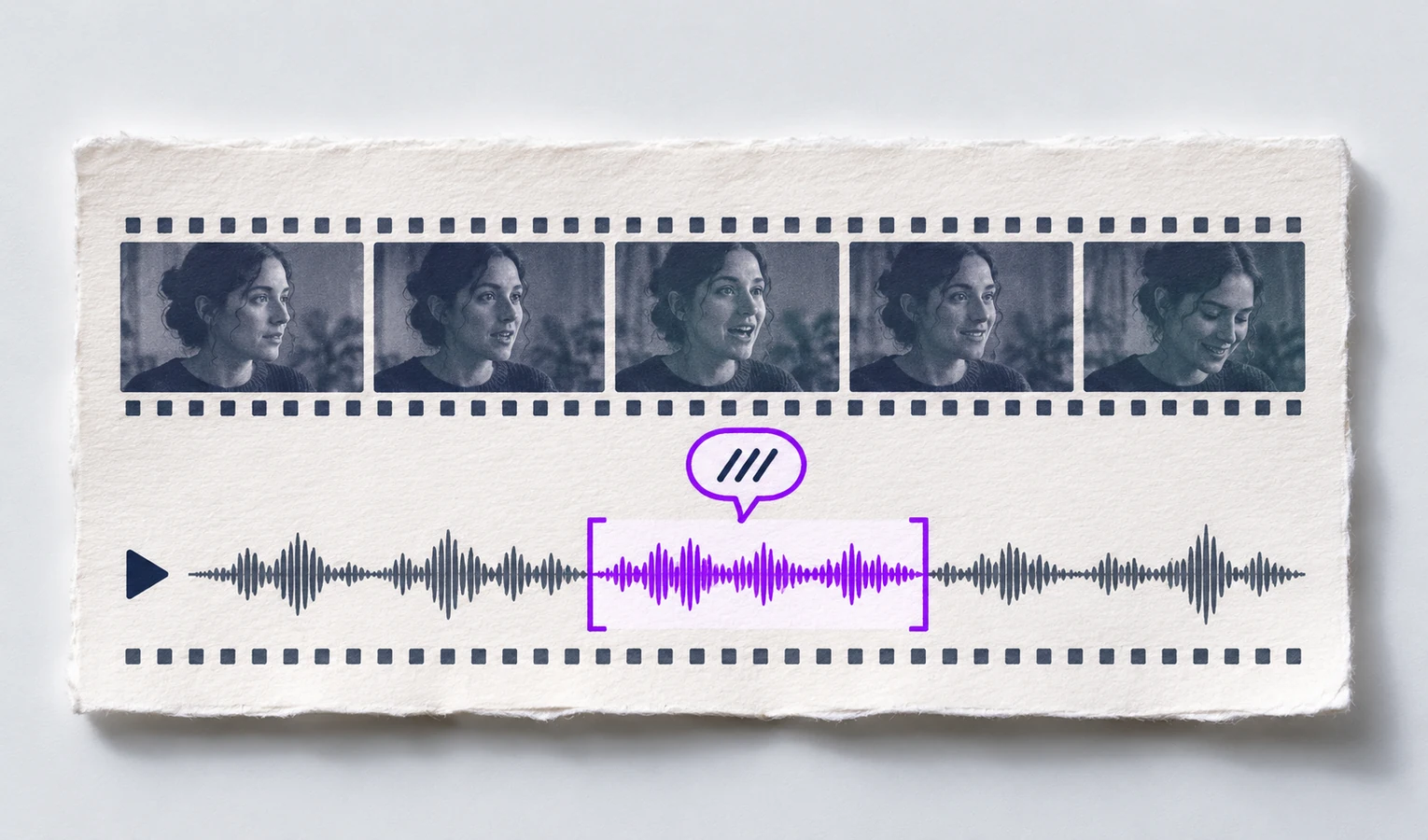
Choose the whole soundtrack or describe the passage you want. Try “Keep the part where the teacher explains the exercise.” You can give start and end times to fine-tune it.
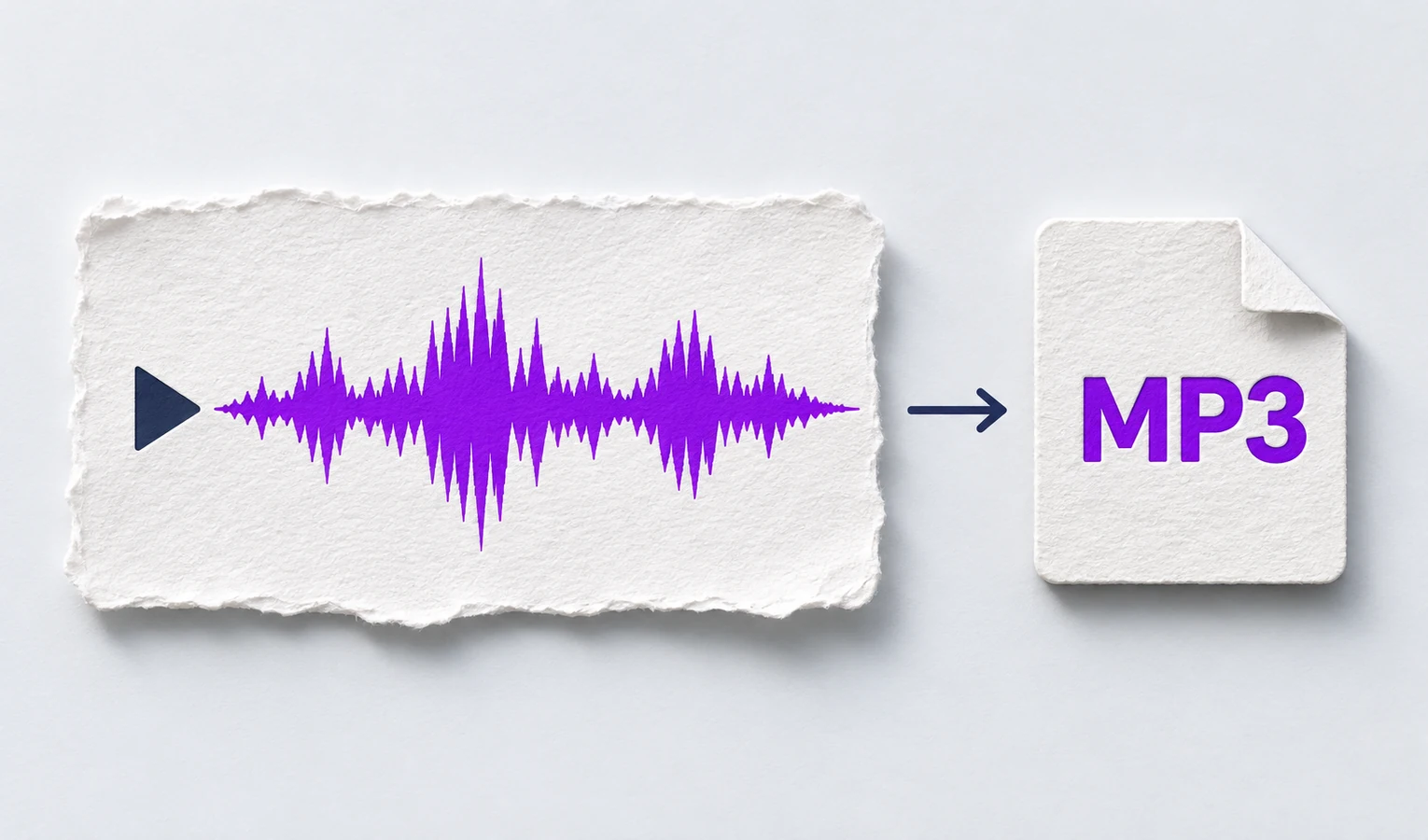
Play the extracted audio in AI Audio Extractor. Check that the first and last words are intact, then save the MP3.
Turn the video’s full soundtrack or a selected passage into MP3 and listen before you save it.
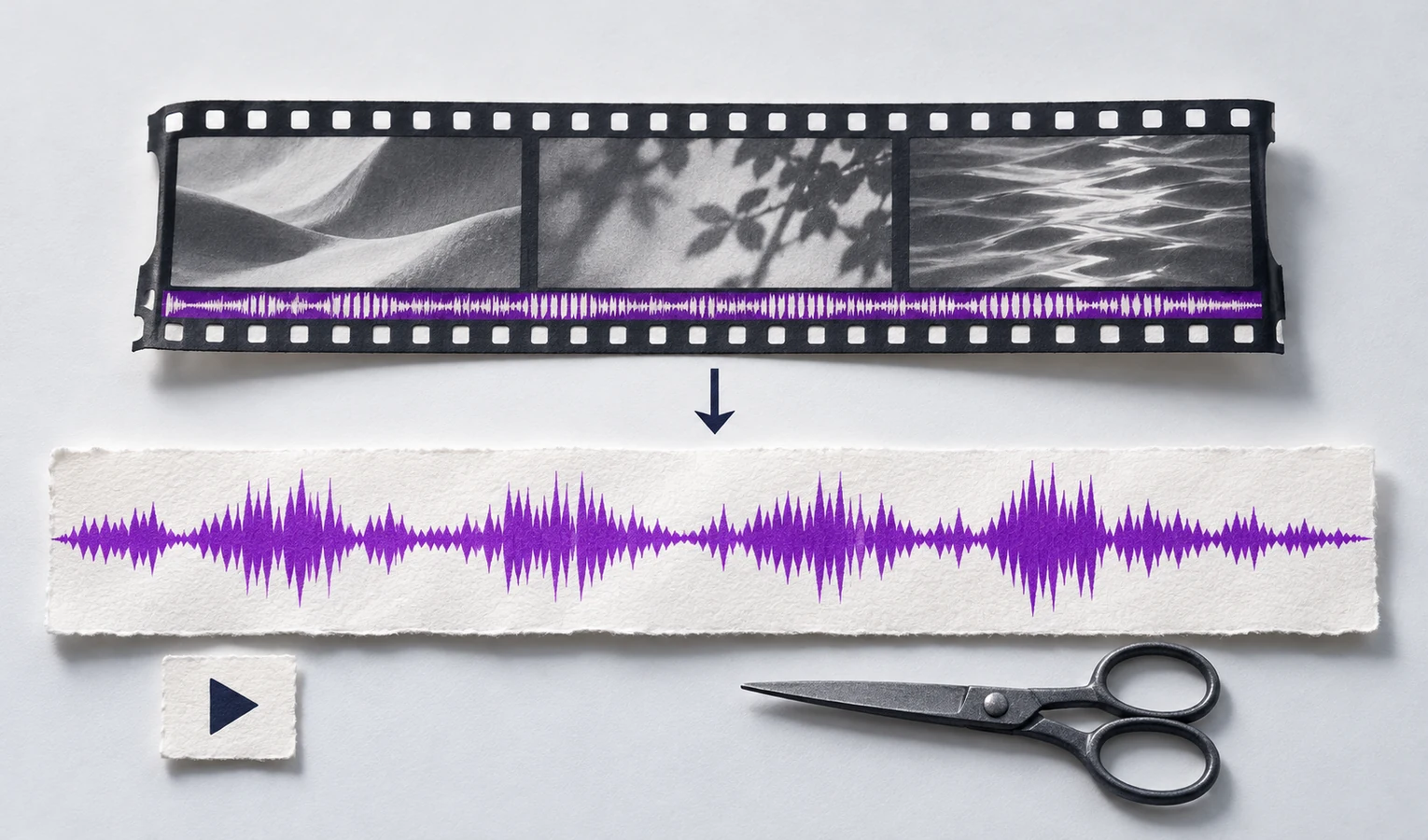
Keep the entire soundtrack as an MP3 with AI Audio Extractor. Choose the full video when the introduction and closing both belong in your edit.
Turn one part of a video into an MP3. Tell AI Audio Extractor which answer or explanation you need and check that it includes the context.
Check the extracted sound before saving it. Play the start and end of the selection in AI Audio Extractor and move a boundary if it cuts off a word.
Trusted by 10K+ Users & 2,000+ Teams Worldwide
11,384Audio files processed
9,611 hrsSilence removed
36,324Clips created













Share a recorded explanation
Give students an MP3 they can replay. Use AI Audio Extractor on a lesson video and keep the full worked example.
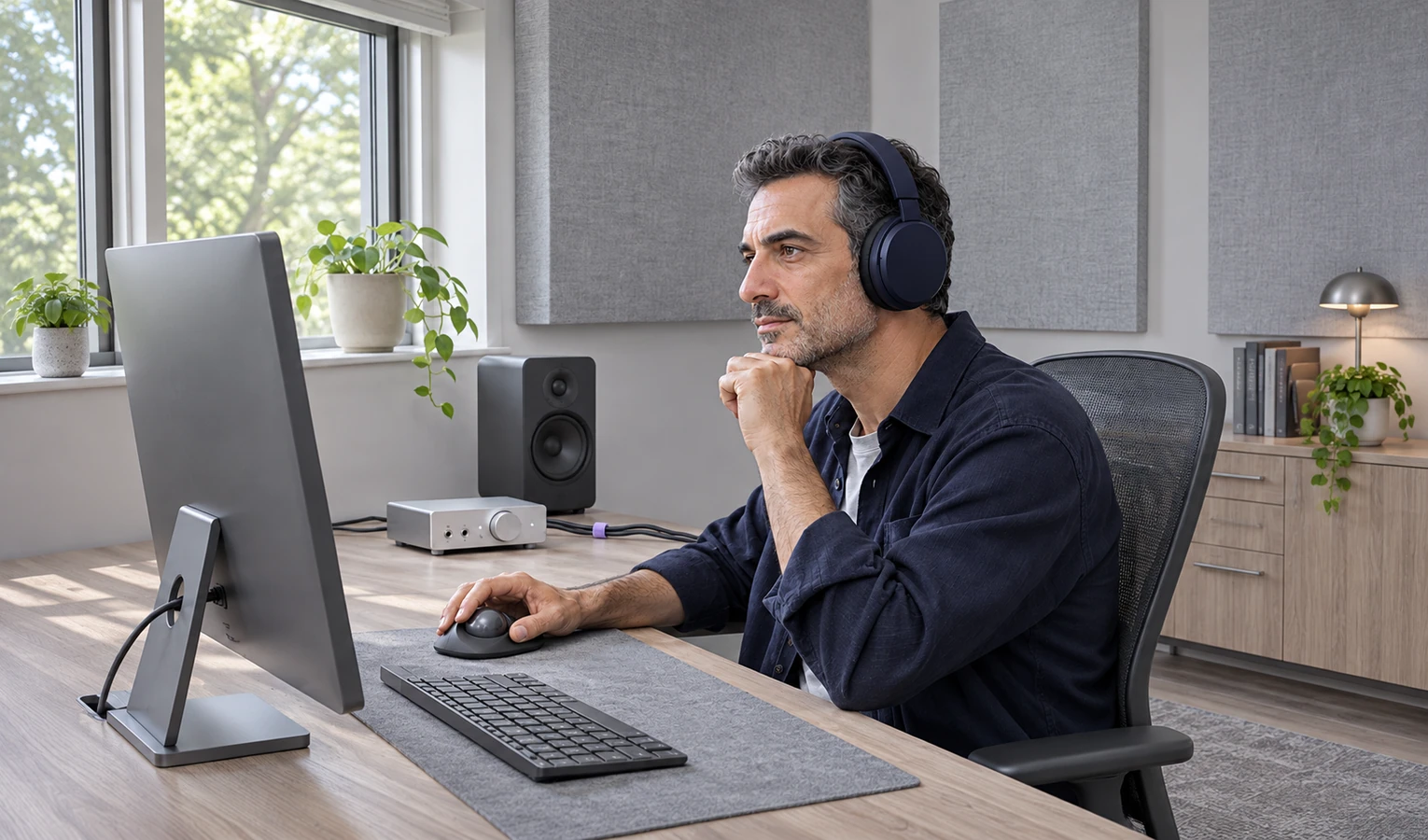
Reuse a video interview
Keep the guest’s full answer so you have enough context for the edit.

Move a take to another project
Pull the sound from a clip to try it under a different shot.
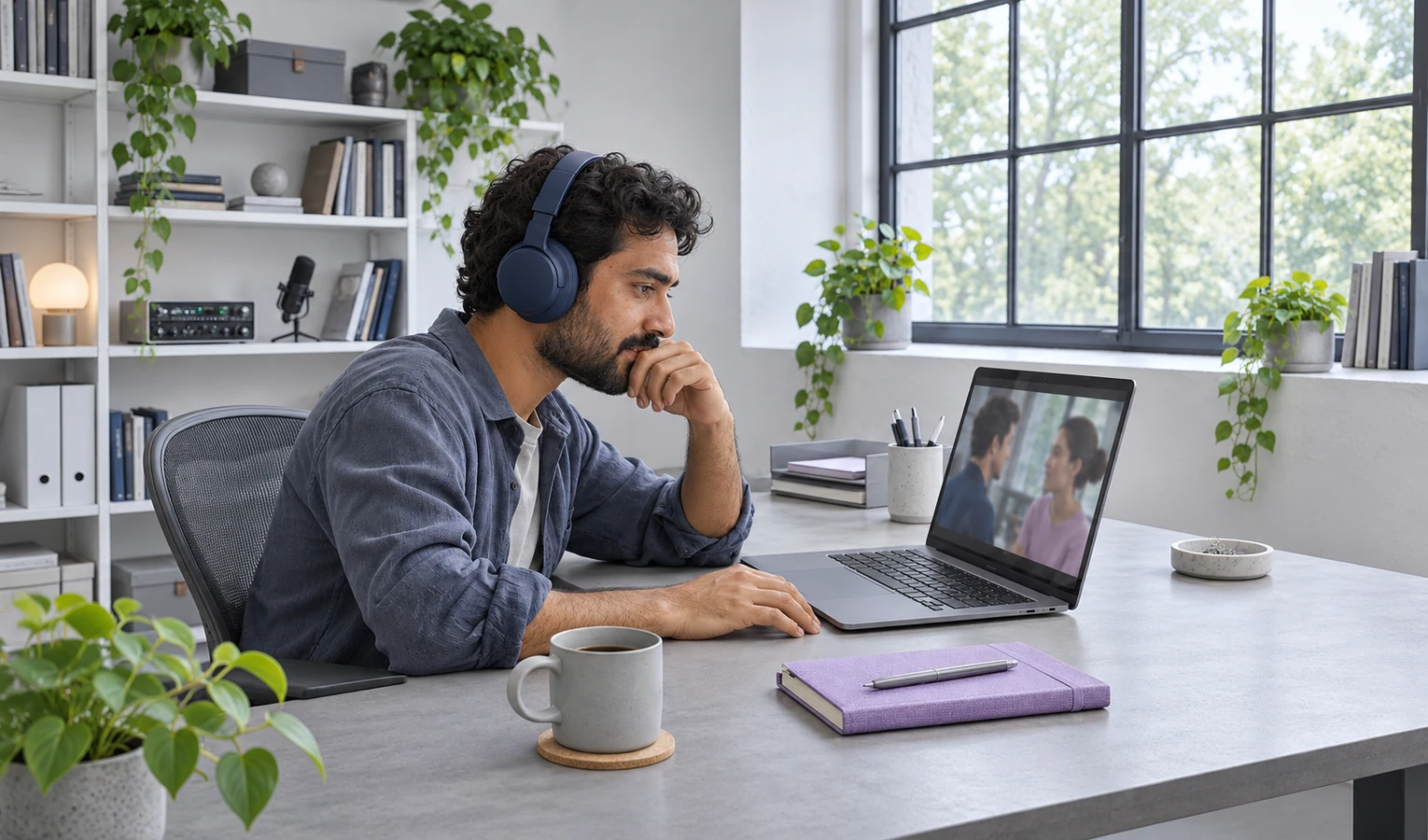
Keep a familiar voice
Save the sound from a family video to listen to on your phone.
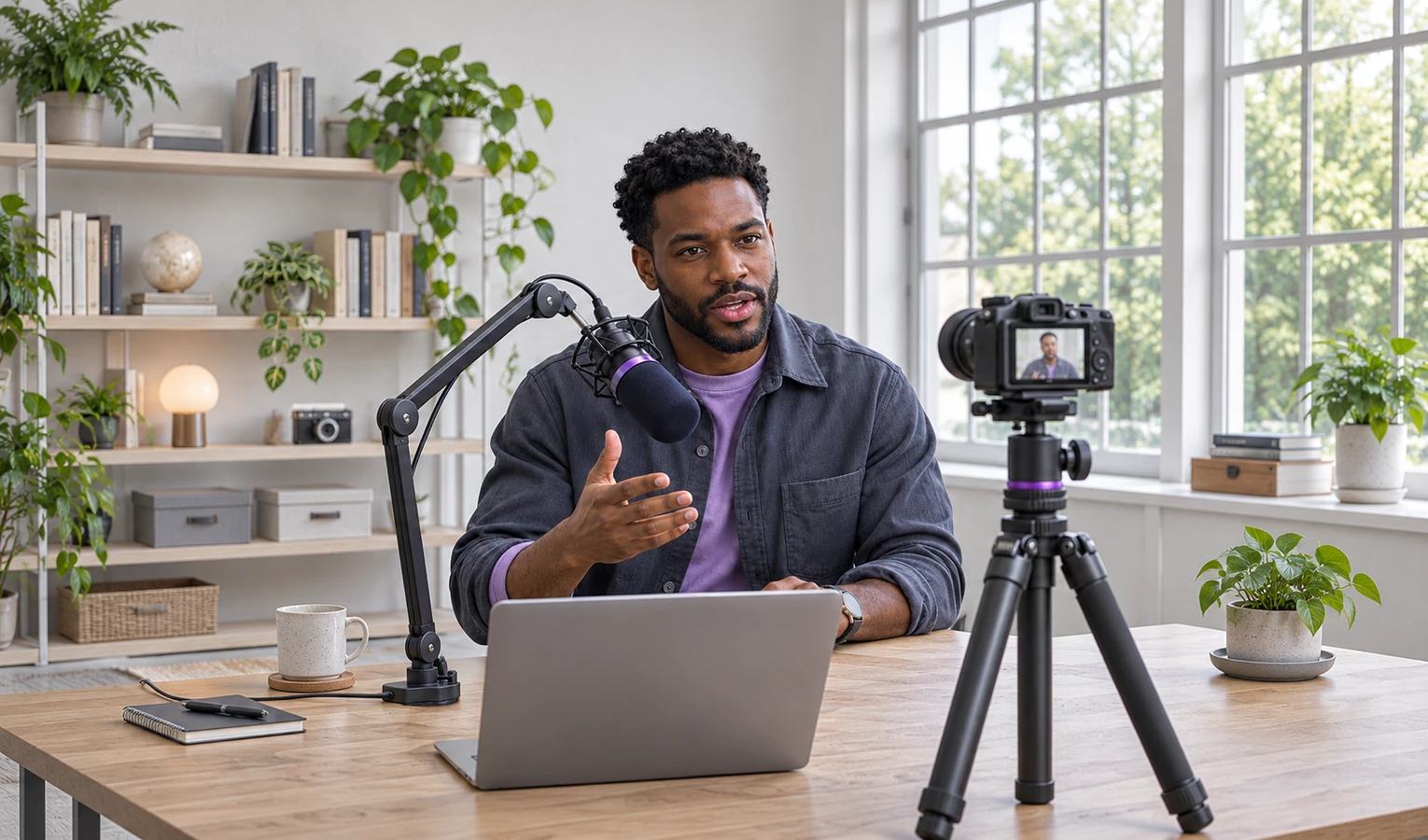
Review a voiceover take
Extract the audio from the part of your draft with the voiceover. Listen before recording it again.

Nora E.
Teacher
In AI Audio Extractor I kept just the example from my lesson. One student asked for it again before the quiz.

Daniel M.
Podcast editor
I pulled the guest’s answer from the video and caught the sentence I needed at the end.

Leah K.
Video editor
The audio from my wide shot worked better under the close-up. I used that take.

Mina P.
Parent
I wanted to hear my daughter laughing in our holiday video. I kept the sound on my phone.

Samir A.
Creator
I listened back to my narration from the draft. It helped me hear where I rushed the last line.

Diego V.
Student
I saved the full sound of my practice presentation and listened to it on the bus.
AI Audio Extractor extracts the mix already in the video. Any speech, music, and effects in the source track stay together.
Yes. Describe who is speaking or what the answer is about, then listen to the selection.
Try a compatible MP4, MOV, or MKV file with an audio track.
Yes. Give the start and end times if you want a more precise cut.
AI Audio Extractor exports the selected audio as an MP3.
Use a video that contains audible sound. Play the source first if the extracted section is silent, then check which passage you selected.