
first-time editors
Clean up a voice memo
Describe the air conditioner noise in a voice memo in your own words. Listen before sharing.
Remove background noise from audio online. Use our free AI Background Noise Remover with AI prompts to get clear MP3 or WAV.
Drag & drop your audio or video here
MP3 · WAV · M4A · MP4 · MOV · MKV · Max 3 GB
Use the AI Background Noise Remover to reduce wind noise and hum in audio online. Describe the noise, preview the result, and export it as MP3 or WAV.
Open the AI Background Noise Remover and upload an audio or video file, or paste a public YouTube link. The tool extracts the audio from a video or link before processing it.
Try “Remove the other background noise so I can hear the speech clearly. Keep the background music.” AI Background Noise Remover uses that request to guide the edit.
Listen in your browser. If words sound muffled, refine your request and listen again. Export your audio as MP3 or WAV.
With AI Background Noise Remover, you can describe both the sound to reduce and the sound to keep in the same request.
Ask the AI Background Noise Remover to reduce the sound of a fan behind the speaker.
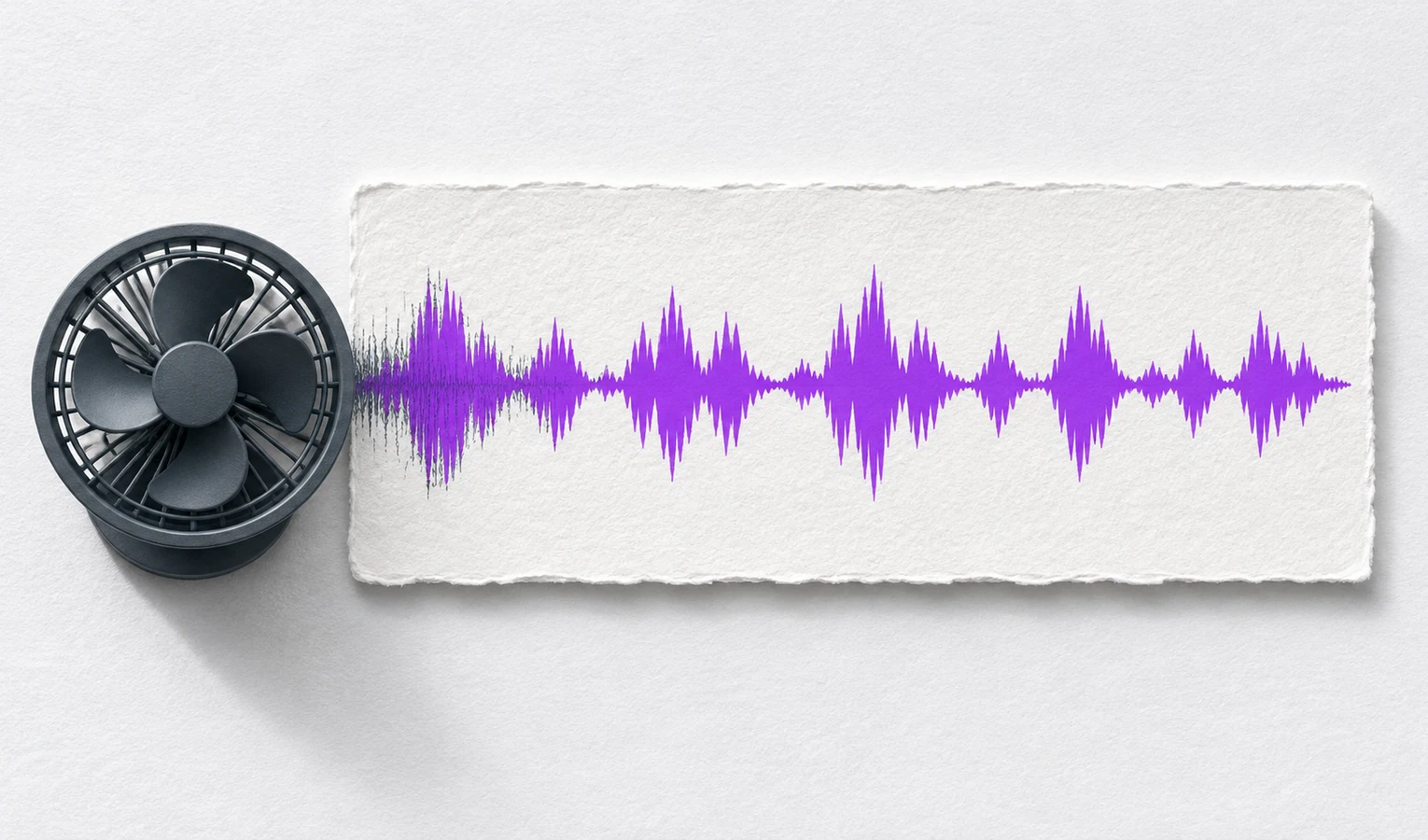
Listen to the edit. If you can still hear a nearby conversation, try “Quiet the people talking in the background and keep the music.”
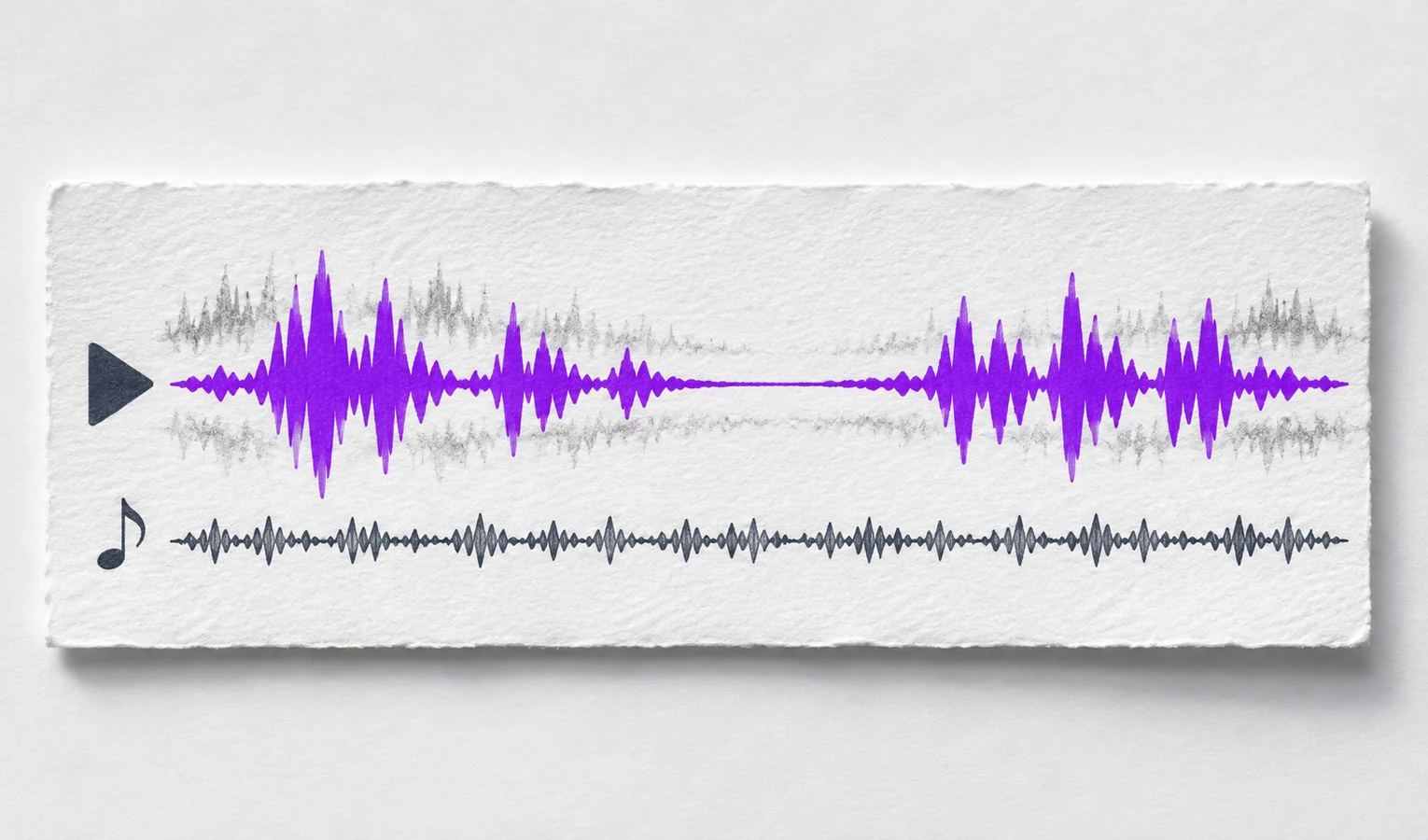
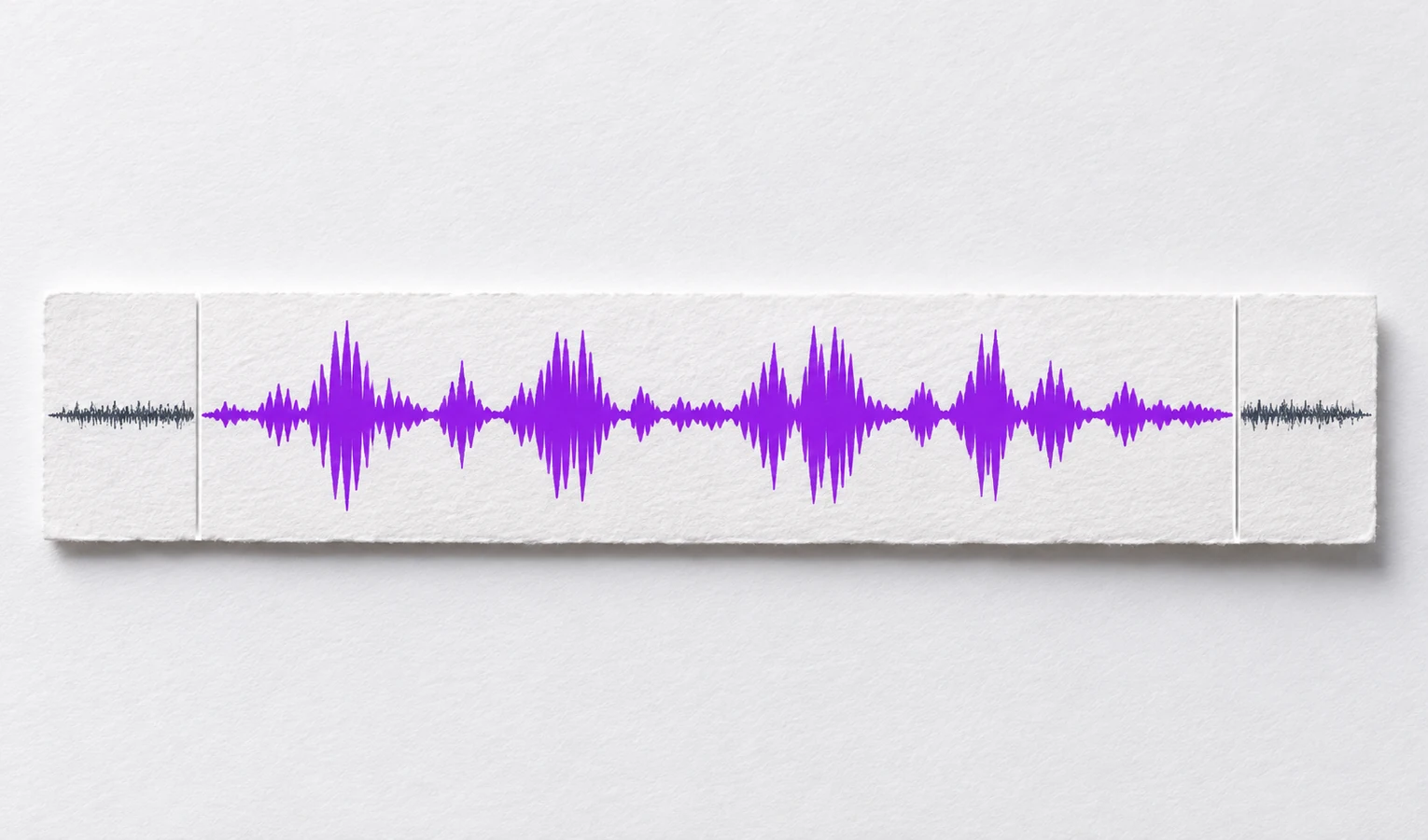
Ask AI Background Noise Remover to trim a noisy opening or ending and lower background sound under speech. Check that the words stay clear where sounds overlap.
Trusted by 10K+ Users & 2,000+ Teams Worldwide
11,384Audio files processed
9,611 hrsSilence removed
36,324Clips created















Clean up a voice memo
Describe the air conditioner noise in a voice memo in your own words. Listen before sharing.

Address a specific interruption
If chatter interrupts an answer, tell AI Background Noise Remover which answer was interrupted. Listen back to check that the words are clear.

Prepare dialogue for publication
Use AI Background Noise Remover on a dialogue recording with background hum. Check the result before placing the audio in an episode or video edit.

Clean up a talk or rehearsal
Reduce room noise in a rehearsal or prepare an excerpt to play during a talk.

Make spoken material easier to review
Clean up a recorded lecture or interview before checking quotes and instructions.

Nora K.
Freelance writer
I recorded a voice memo next to my desk fan. The AI Background Noise Remover took the edge off the fan noise enough for me to send it.

Evan M.
Podcast producer
There was a low buzz under the podcast intro. I asked it to work on those first few seconds and listened back before exporting to WAV.

Maya R.
Video creator
I liked being able to replay the windy bit. I tweaked my request after hearing what happened to the end of my opening line.

Leo T.
Reporter
I used the AI Background Noise Remover on one answer from a café interview. The people at the next table were much less distracting on playback.

Ava D.
Project manager
A teammate needed the rehearsal as an MP3. I lowered the room noise and could finally make out the quiet part at the end.

Sam L.
Tutor
On my lesson recording, the mic hiss was loudest in the pauses. It helped to trim the long gap after the last question, too.
The AI Background Noise Remover reduces unwanted background sound in a recording based on your written request.
Try “There’s a noise around the middle of this recording. Please remove it.” Add a time range if you know it.
Describe the result you want in your own words, such as clearer speech with the music still audible.
Yes. Play the result in your browser before exporting. Update the request if speech is still hard to hear.
Name the voice or music you want to keep. Listen to the overlap, where the result depends on how the sounds mix.
Export the edited audio as MP3 or WAV.