
favorite songs
Use part of a chorus for incoming calls
Ask AI to find a recognizable part of the chorus for your ringtone.
Make a custom ringtone from any audio online. Use our free AI Ringtone Maker with AI prompts to download M4R or MP3 fast.
Drag & drop your audio or video here
MP3 · WAV · M4A · MP4 · MOV · MKV · Max 3 GB
Use the AI Ringtone Maker to turn a song or recording into a ringtone. Describe the part you want, preview the clip, and export it as M4R or MP3 for your phone.
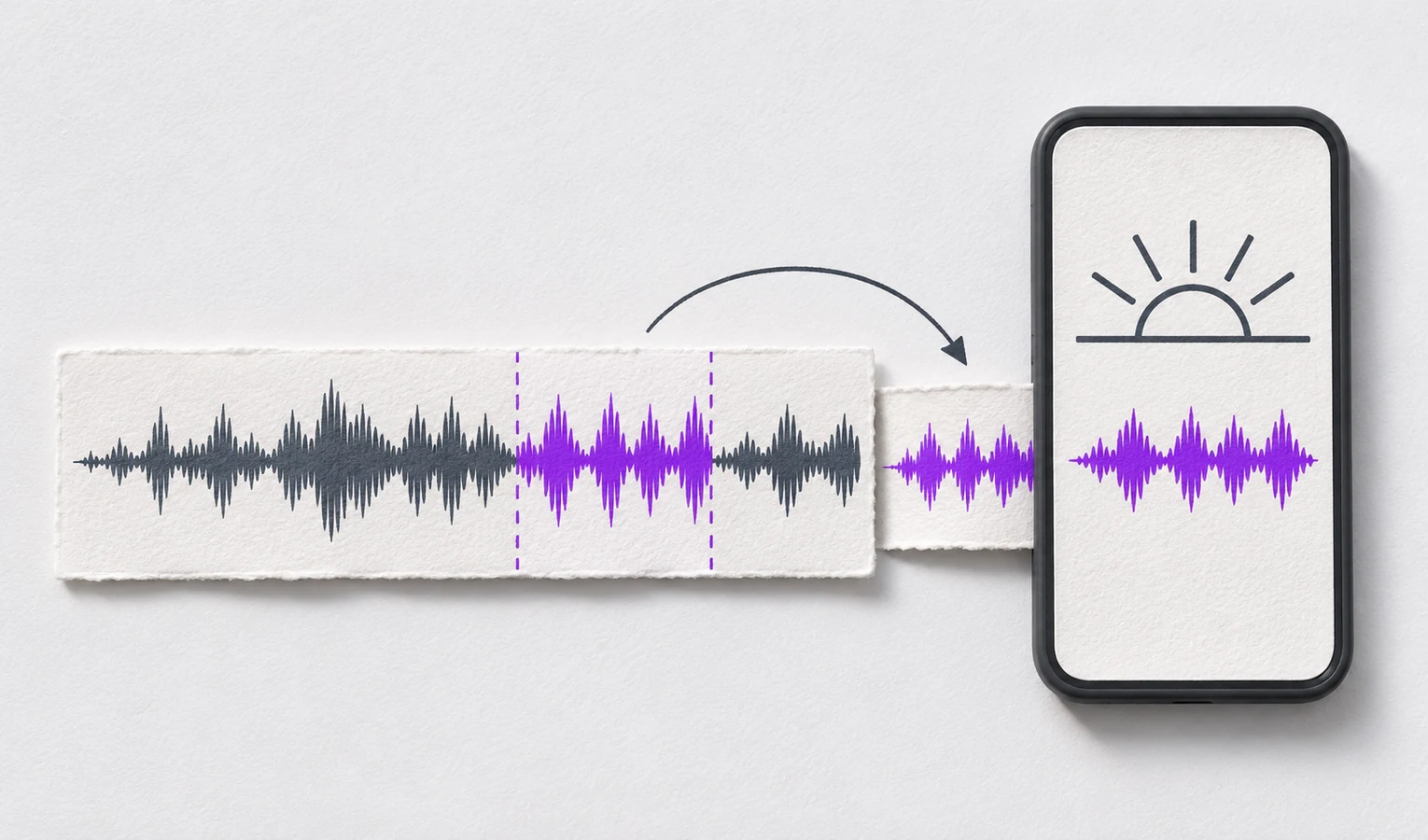
Turn a song or recording into a ringtone you can listen to before exporting.
Open AI Ringtone Maker and upload a song, recording, or video. You can also paste a supported public YouTube link.
Type “Make a ringtone I can use as a wake-up alarm.” AI picks a section of your audio for you to preview.
Listen to the cut and describe any changes you want. Export the version you like as M4R for iPhone or MP3 for Android.
Start with a suggested clip, then adjust the timing or add a fade.
Let AI Ringtone Maker suggest a section, then listen to how it starts and ends.
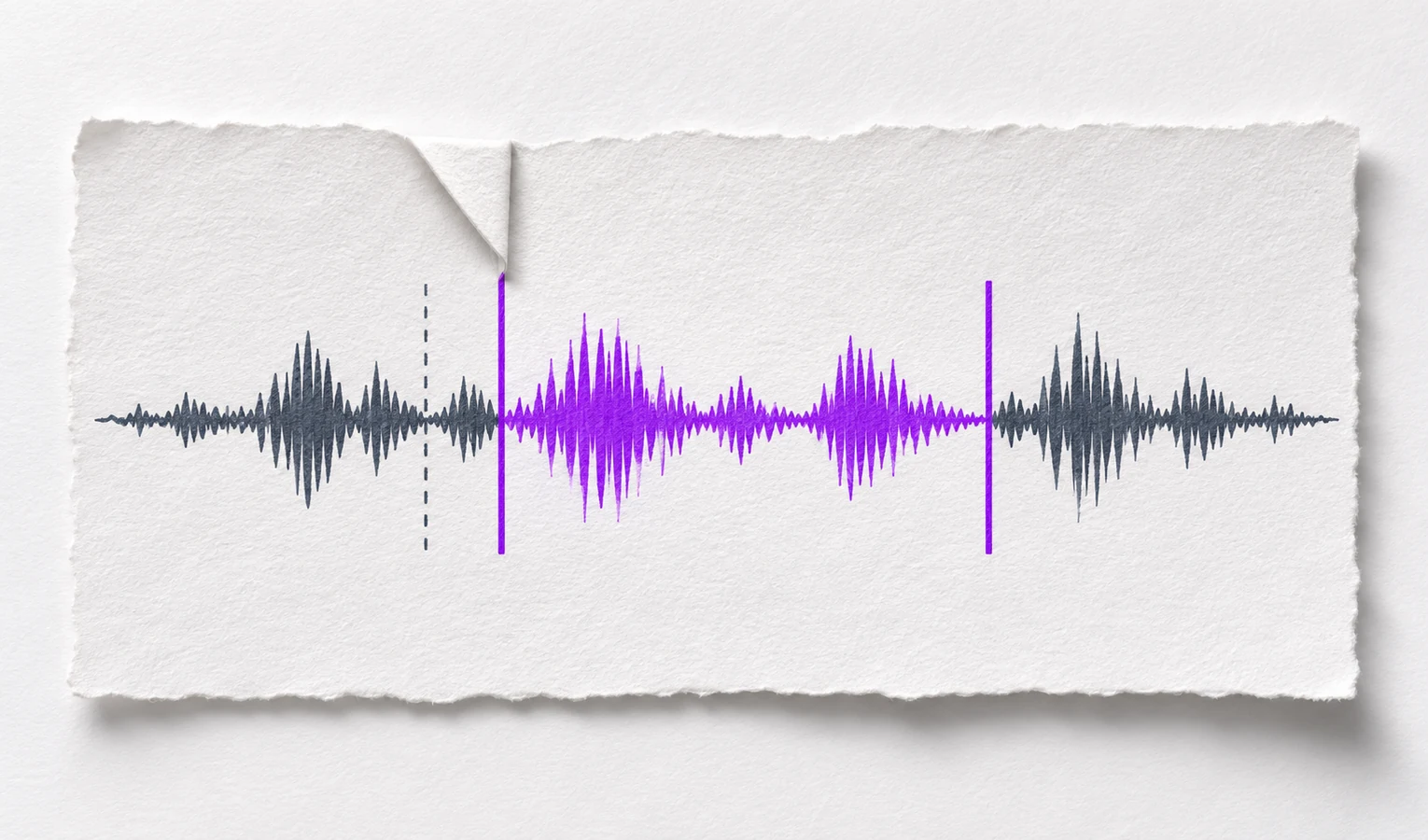
If the clip starts too early, ask AI Ringtone Maker to start a little later. Listen to the new opening.
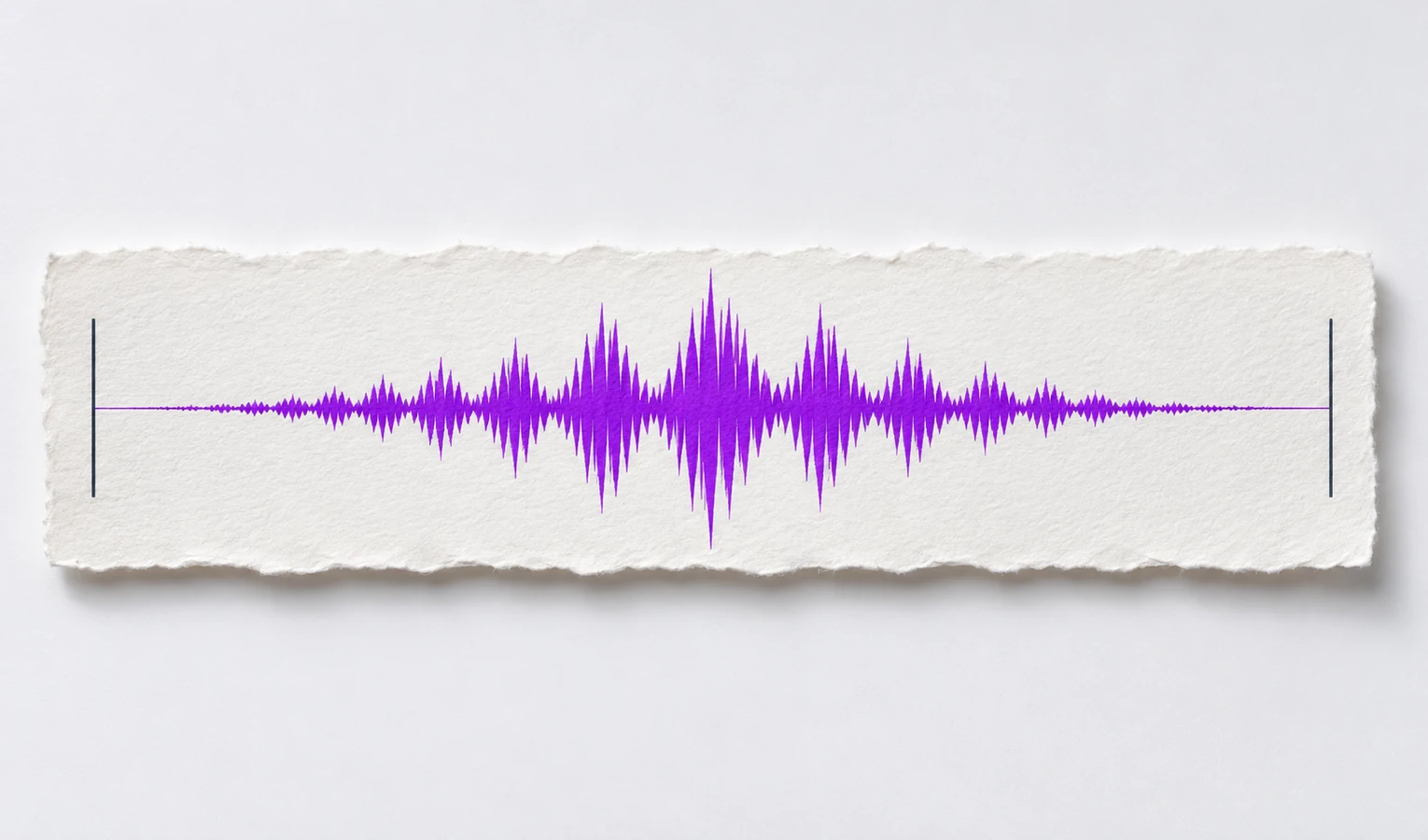
Ask AI Ringtone Maker for a fade-in or fade-out if the start or end sounds abrupt.
Trusted by 10K+ Users & 2,000+ Teams Worldwide
11,384Audio files processed
9,611 hrsSilence removed
36,324Clips created














Use part of a chorus for incoming calls
Ask AI to find a recognizable part of the chorus for your ringtone.

Give a contact a familiar sound
Keep a familiar greeting so you know who’s calling by the sound alone.

Make a ringtone from a sound you recorded
Turn a phrase you recorded or your pet’s call into a ringtone.

Use a line from a video as a notification tone
Use AI Ringtone Maker to cut a short line of dialogue that works as a notification sound.

Set different sounds for different alerts
Use a longer clip for your alarm and a short, recognizable sound for notifications.

Emma B.
Teacher
I used the AI Ringtone Maker to cut the chorus for my iPhone. The preview helped me catch an extra beat I’d left at the start.

Noah P.
Barista
Dad says “Hey, kiddo” in an old voice memo. I made that his ringtone and know it’s him before I look.

Priya S.
Designer
My dog’s little bark is now my message sound. I shortened the clip after hearing the silence at the end.

Jules H.
Video editor
The AI Ringtone Maker let me keep one line from a video I shot. I moved the start earlier to catch the first word.

Lina C.
Nurse
My alarm was a bit much first thing. Adding a short fade at the start made it easier to wake up to.

Owen F.
Student
I pasted the public link to my band’s YouTube video, kept the drum fill, and exported it as an MP3 for Android.
AI Ringtone Maker suggests a ringtone clip from a song, recording, or video and lets you adjust the cut.
Upload a song, recording, or video, or paste a supported public YouTube link.
Try “Find the best part of this audio for a ringtone.” If you already know the section you want, you can enter its start and end times.
Yes. Describe a timing change or ask for a fade, then play the revised clip.
Choose M4R for iPhone or MP3 for Android. Set the tone on your phone after exporting.
Yes. Use AI Ringtone Maker online for free to cut a ringtone from your audio.