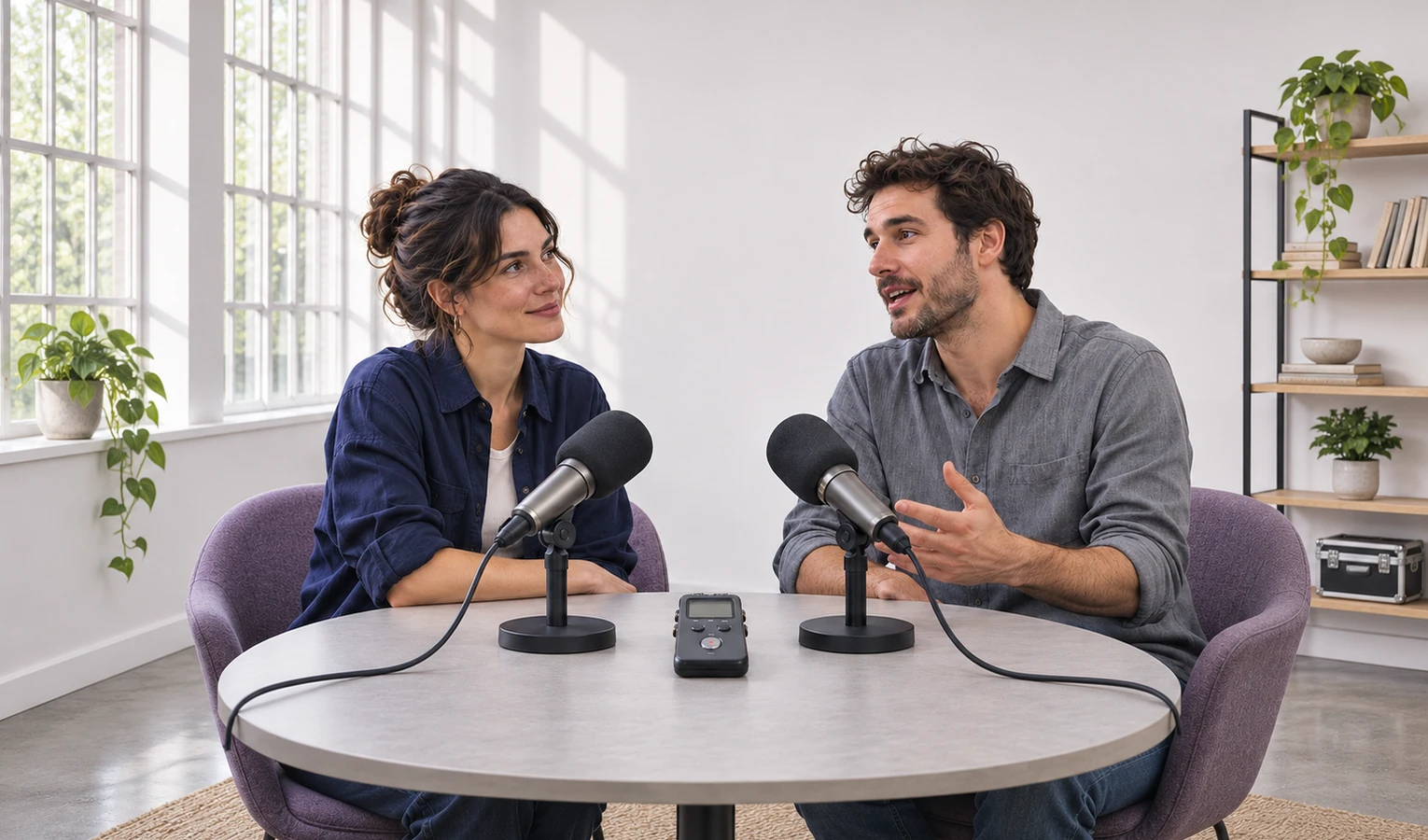
podcasts
Bring out a guest’s answer
Ask for the guest’s answer to come through over the room sound before you edit the episode.
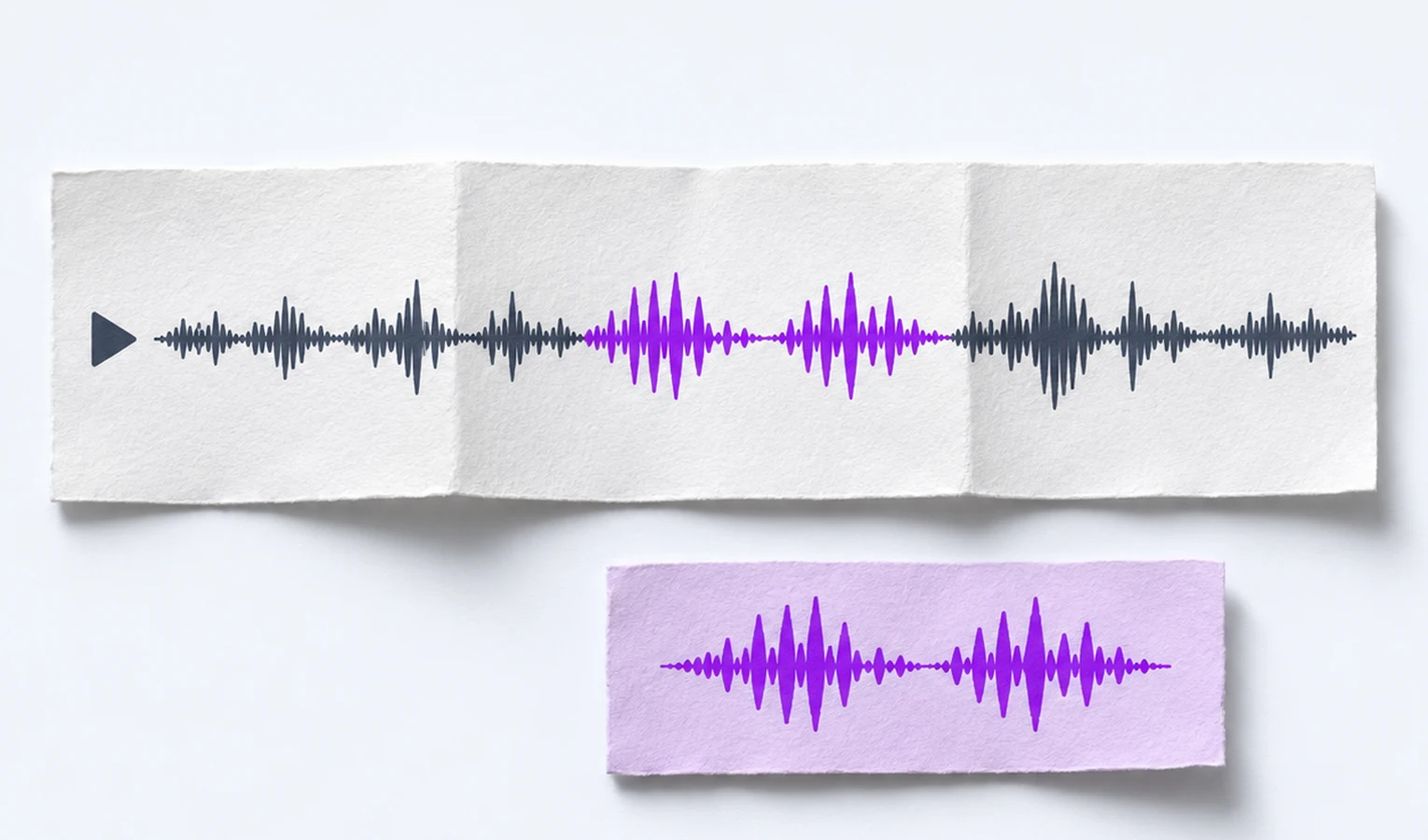
AI Voice Enhancer adjusts speech volume against background audio so you can follow what people say in interviews, lessons, and podcasts.
Drag & drop your audio or video here
MP3 · WAV · M4A · MP4 · MOV · MKV · Max 3 GB
AI Voice Enhancer enhances speech quality online. Balance voice volume against background audio for clearer speech in interviews, lessons, and podcasts.
Make recorded speech easier to hear with AI Voice Enhancer. Start with an audio or video recording that contains the voice.
Add your audio or video recording to AI Voice Enhancer. Find the part where speech is hard to follow so you can compare it after the adjustment.
Ask for the change you need. Try “Make my guest’s answer easier to hear over the room sound.” AI Voice Enhancer adjusts the level of the speech against the existing background.
Listen through a complete sentence and check its quietest words. Save the adjusted audio, or ask to keep the passage you need for the edit.
Make quiet voices easier to hear, balance them against background sound, and keep the answer you need.
Bring a quiet voice forward with AI Voice Enhancer. Listen for the same words in the original recording and the adjusted version.
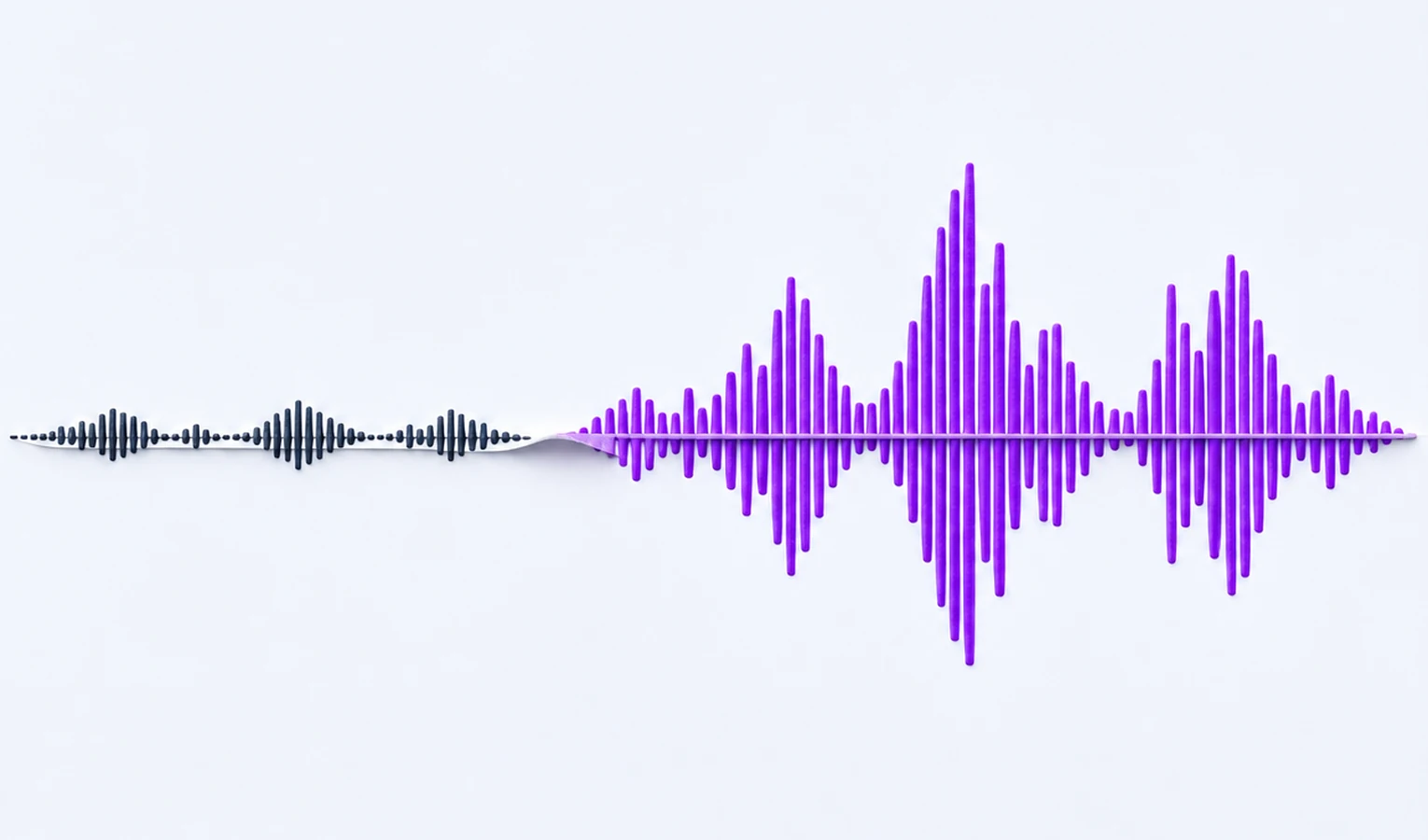
Bring the voice forward over the background. Tell AI Voice Enhancer which words are hard to hear, then listen back to check the balance.
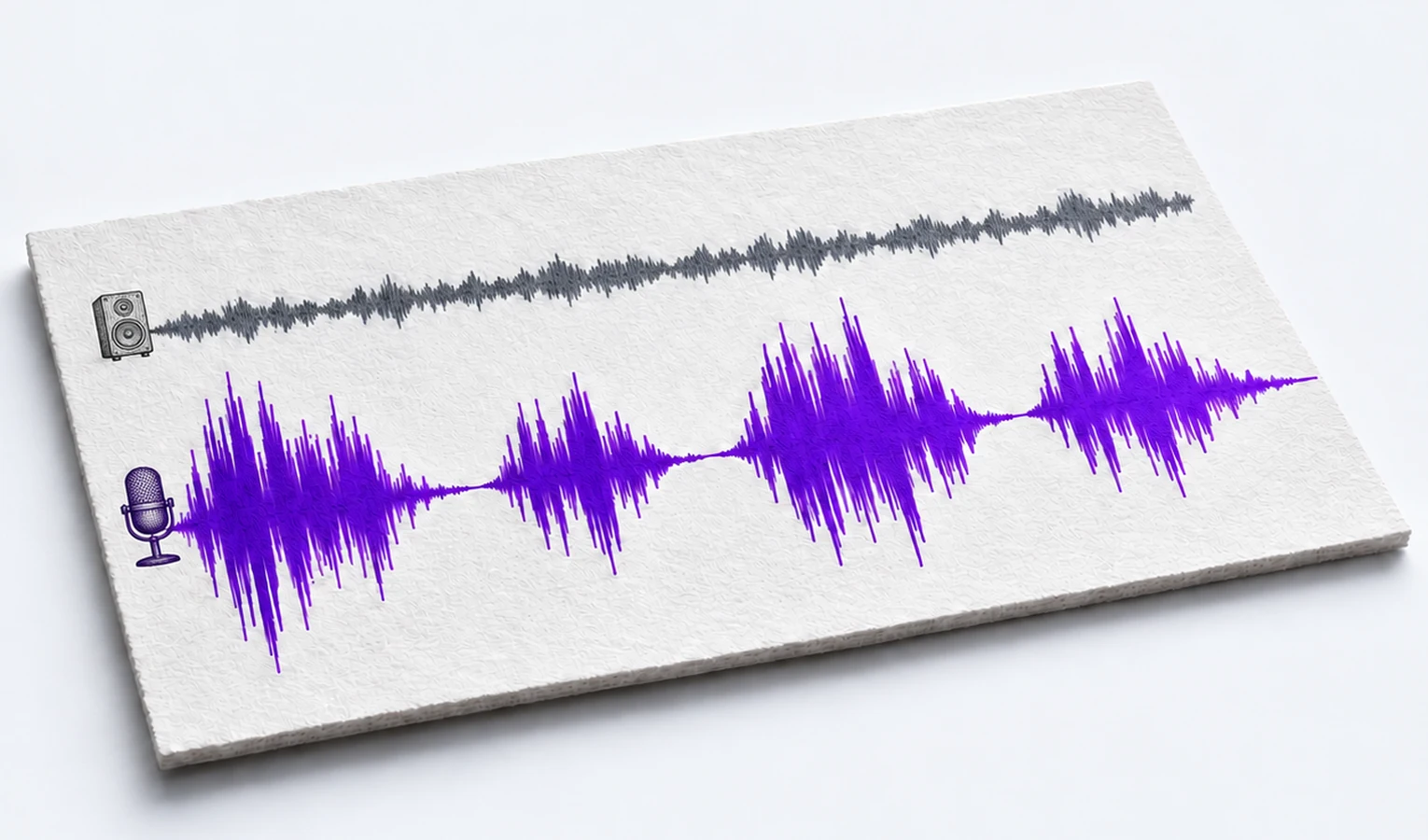
Keep one clearer answer for your edit. After adjusting the voice, ask AI Voice Enhancer for the answer about microphone placement and listen through its last sentence.
Trusted by 10K+ Users & 2,000+ Teams Worldwide
11,384Audio files processed
9,611 hrsSilence removed
36,324Clips created












Bring out a guest’s answer
Ask for the guest’s answer to come through over the room sound before you edit the episode.

Make a quiet explanation clearer
Ask AI to make the explanation easier to hear, then listen back before sharing it with students.
Prepare a clearer line for an edit
Give a quiet line more presence before editing your video. Use AI Voice Enhancer on the recording and listen to the whole line in context.
Make the instructions easy to follow
Ask AI to bring your voice forward on a rehearsal recording and check the sentences people need to catch.
Revisit an important quote
Ask for a quieter answer to be clearer, then listen to the full thought when checking your notes.

Maya R.
Podcast producer
I ran a soft-spoken guest’s answer through AI Voice Enhancer. I could follow the end of her thought without replaying it three times.

Omar T.
Teacher
I made the explanation at the board easier to hear. Listening to the whole example helped me check that the quiet words still sounded like me.

Nina K.
Video editor
One line in my video was easy to miss unless you knew what I’d said. I brought it forward before I went back to my edit.

Eli M.
Trainer
I checked a rehearsal with AI Voice Enhancer. The instruction near the end was the part I needed to hear, and I could follow it on my laptop speakers.

Jana L.
Interview researcher
I only needed one interview answer for my notes. I listened to the whole answer after adjusting the voice, so I kept the context.

Chris F.
Newsletter producer
I had an old voice note tucked away for my newsletter. I brought my voice forward and kept the copy I could listen to comfortably.
AI Voice Enhancer changes the speech level relative to the existing background audio. It helps you follow words that the microphone already picked up.
Add an audio or video recording that contains the speech you want to make clearer.
Try “Make the speaker easier to hear over the music.” Name the voice or the moment if that helps explain your goal.
Describe the part by what was said. If you already know the boundaries, give the start and end times as an optional refinement.
Listen from the start to the end of an answer. Check the quiet words first, then save the version that sounds right to you.
AI Voice Enhancer works with speech already present in the recording. If the microphone missed part of a sentence, check another take for those words.