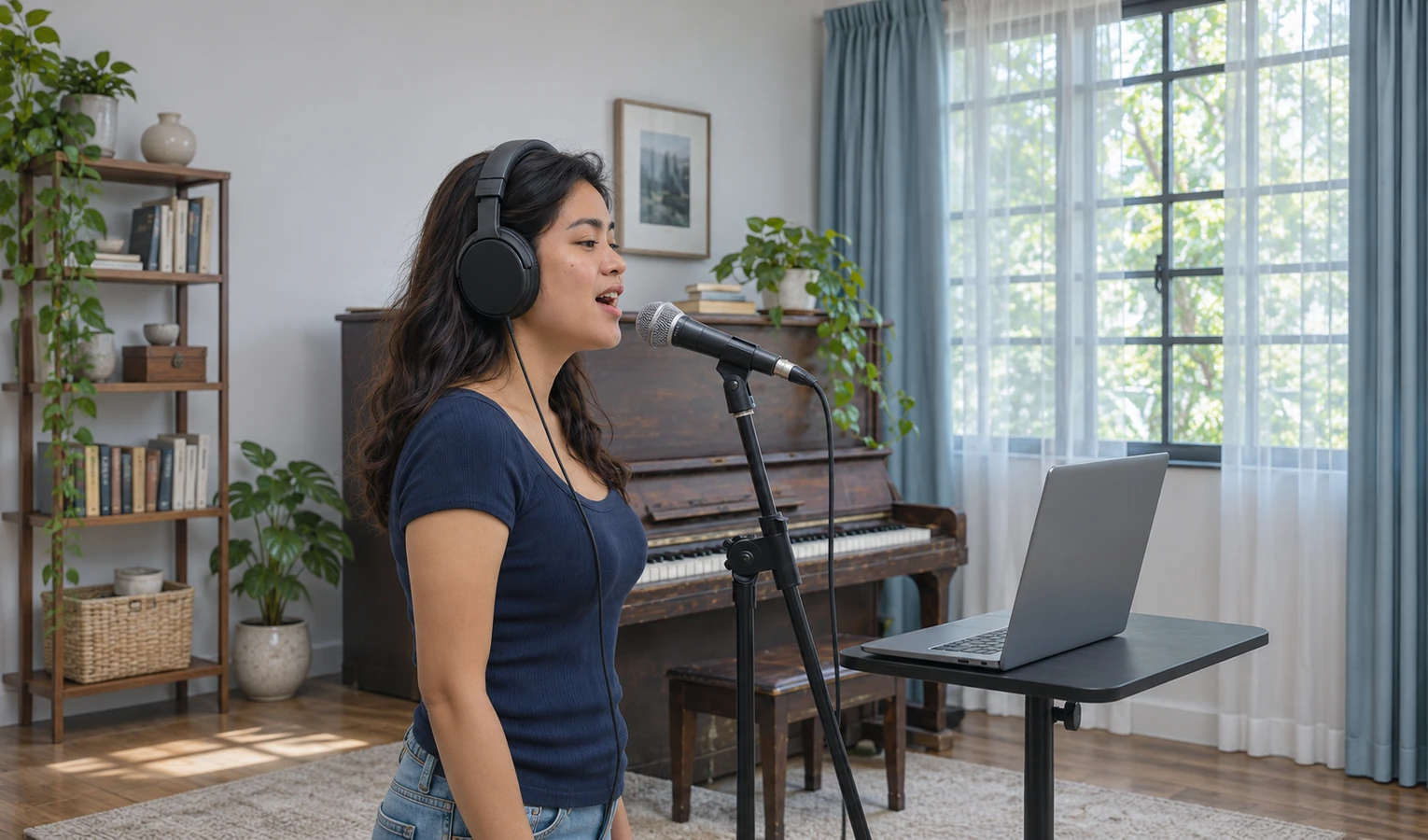
singers
Rehearse with accompaniment
Rehearse your entrance over the accompaniment. Separate the song with AI Vocal Remover and play the instrumental from the lead-in.
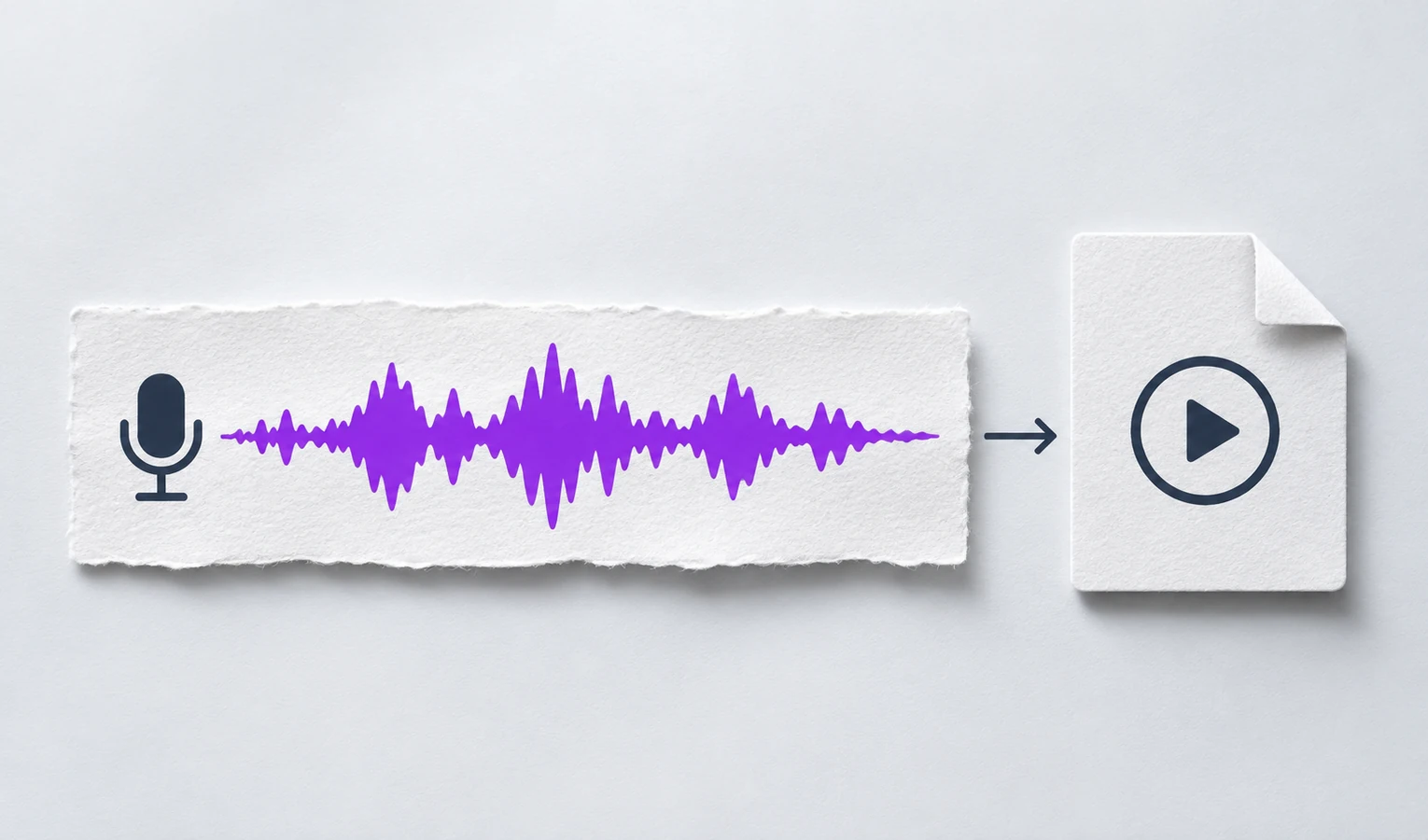
AI Vocal Remover splits a song into vocals and instrumental audio. Preview both tracks for singing practice or your next edit.
Drag & drop your audio or video here
MP3 · WAV · M4A · MP4 · MOV · MKV · Max 3 GB
Remove vocals from songs for free with AI Vocal Remover. Get music without vocals for singing practice, or keep the vocals for editing. Preview before saving.
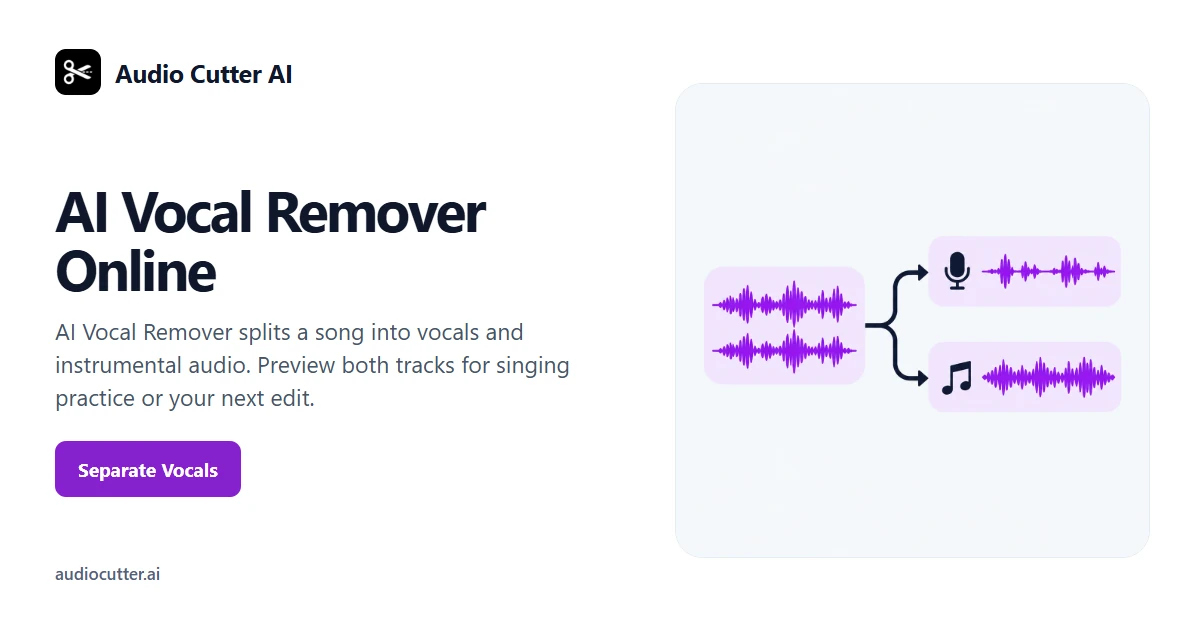
Separate singing and accompaniment with AI Vocal Remover. Start with a song that already contains both, then choose the track you need.
Upload a mixed song to AI Vocal Remover. Choose a recording that contains both the singing and the accompaniment you want to work with.
Choose the backing or the vocals. Try “Keep the accompaniment so I can rehearse the chorus.” AI Vocal Remover separates the original song into two tracks.
Listen to the vocal and instrumental tracks from AI Vocal Remover. Choose the one that fits your practice or edit, then save it.
Separate a song into vocals and a backing track. Rehearse with the backing or listen to the vocals on their own.
Get a vocal track and an instrumental track from one song with AI Vocal Remover. Preview each one to hear what the separation kept.
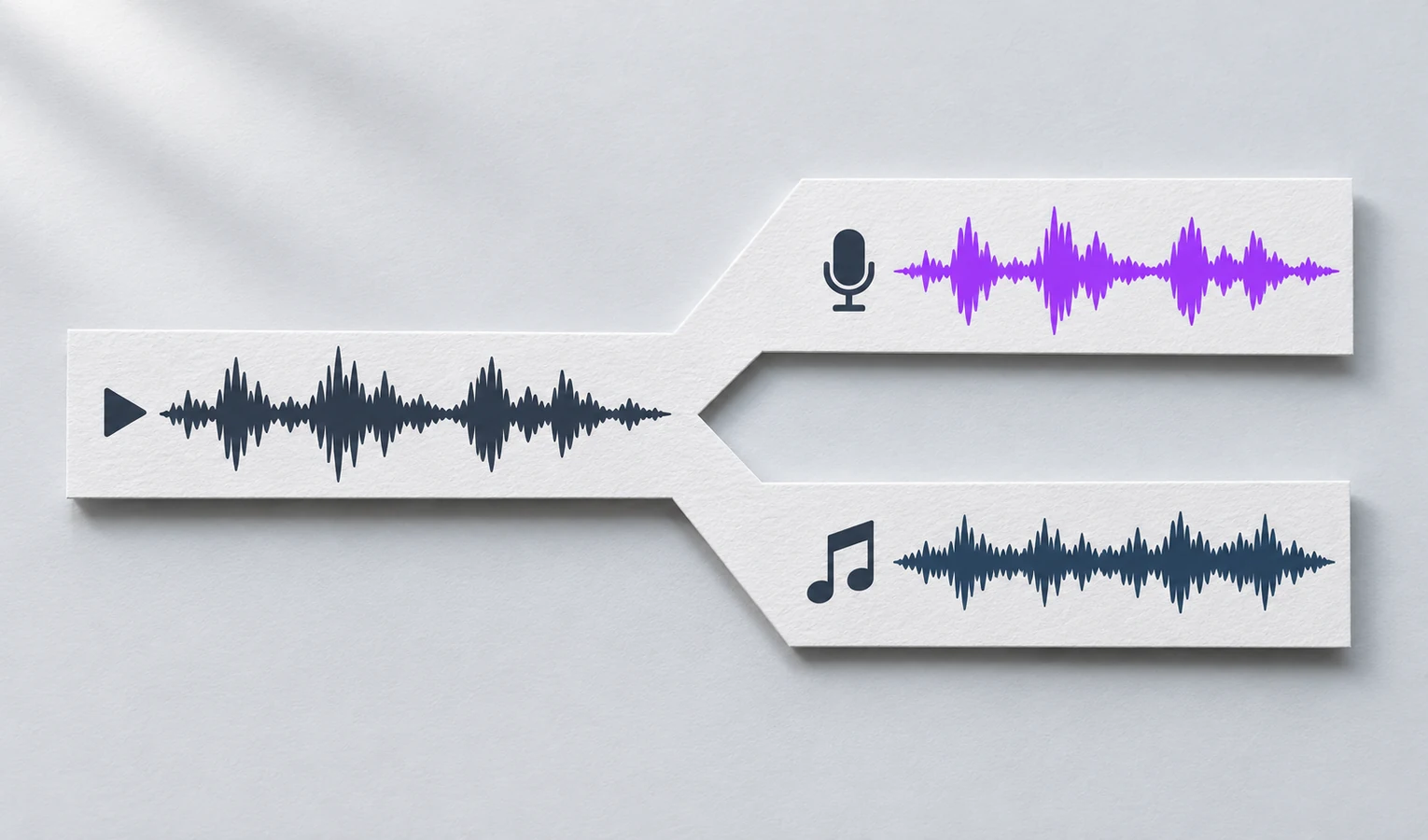
Rehearse over the original accompaniment. Ask AI Vocal Remover for the instrumental and keep the whole track or the chorus you are working on.
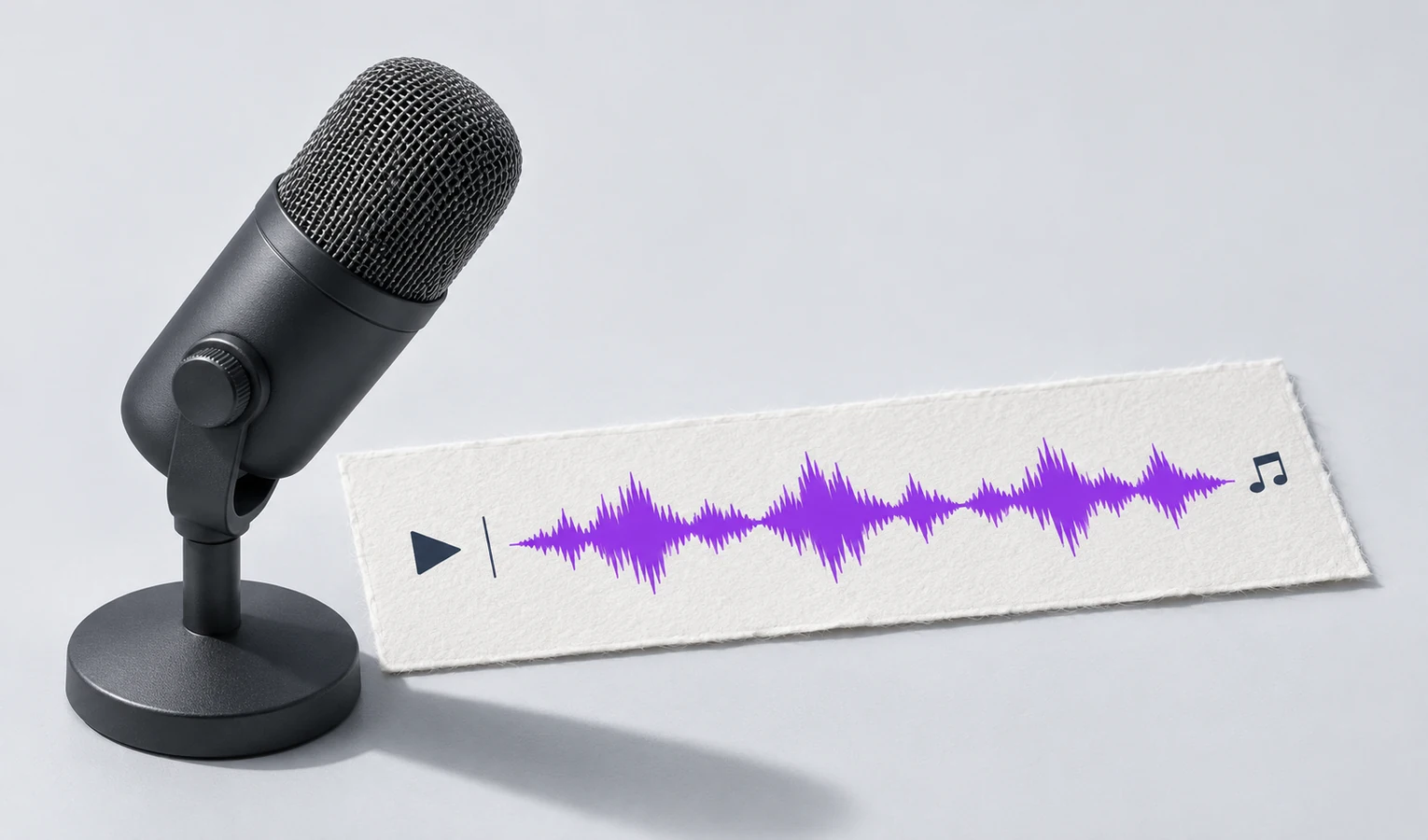
Work with the singing on its own. Preview the vocal track in AI Vocal Remover to hear where a phrase starts or where the singer takes a breath.
Trusted by 10K+ Users & 2,000+ Teams Worldwide
11,384Audio files processed
9,611 hrsSilence removed
36,324Clips created















Rehearse with accompaniment
Rehearse your entrance over the accompaniment. Separate the song with AI Vocal Remover and play the instrumental from the lead-in.

Hear how a phrase is sung
Isolate the singing to follow a tricky phrase while reading the score.

Check your demo
Preview both tracks to hear a sung line and the accompaniment separately.

Choose the sound for a scene
Listen to the two tracks and pick the part that fits the cut.
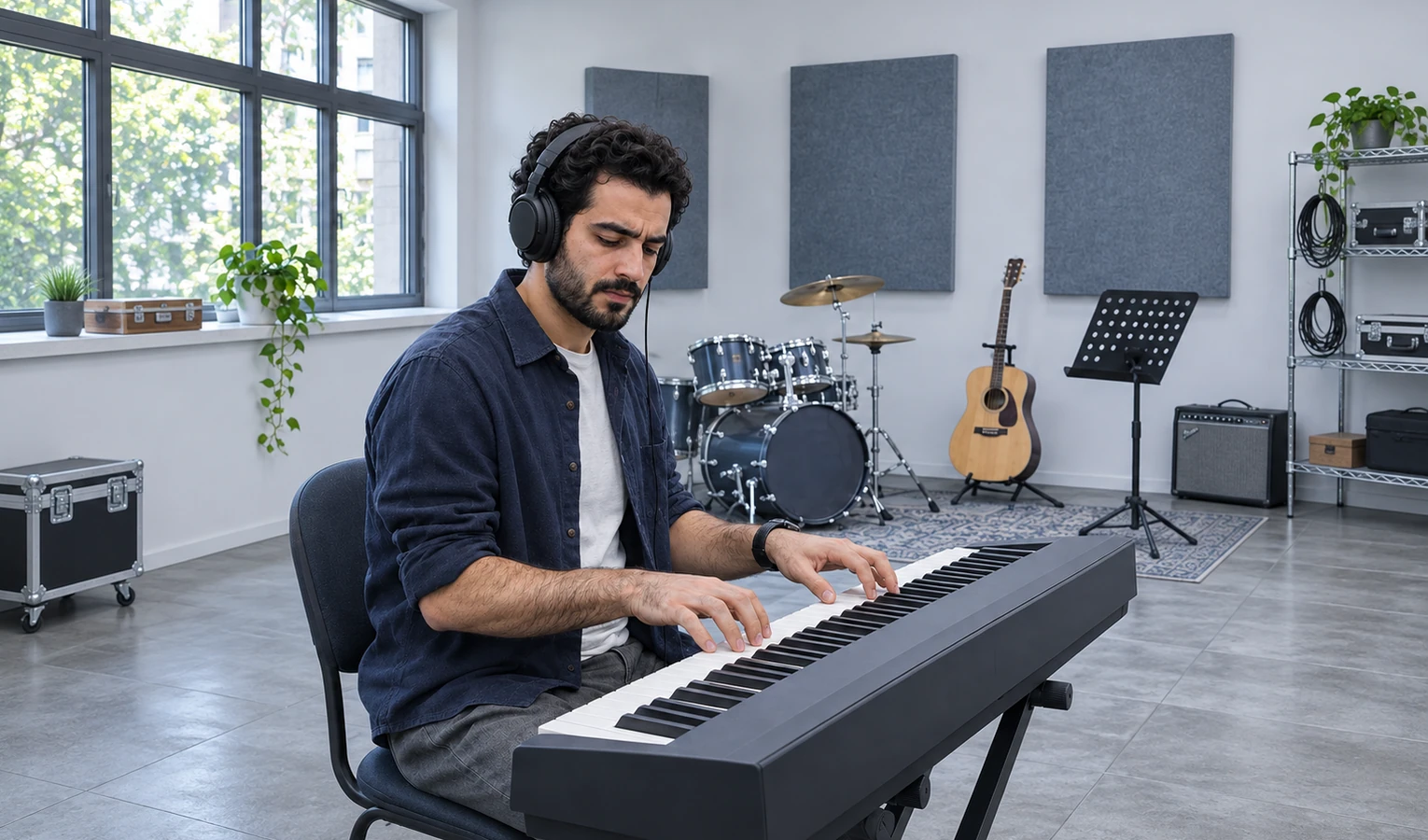
Prepare a rehearsal passage
Take the accompaniment from a song and keep the section you’ll rehearse on the keys.

Amelia R.
Singer
I used AI Vocal Remover to get the backing for a song I’m learning. I could rehearse my entrance without following the lead singer.

Mateo D.
Music student
I listened to the voice on its own and could finally hear where the singer took a breath.

Maya S.
Home producer
I pulled the singing out of my demo. Hearing it separately made me want to redo the second verse.

Jonah L.
Video editor
I tried both tracks under the same shot. The instrumental fit better, so that’s the one I kept.

Hannah C.
Keyboardist
I kept the backing for just the chorus. It made the passage easier to work through at rehearsal.

Nico F.
Choir member
I heard a little of the voice in the backing, but it was quiet enough for my practice.
AI Vocal Remover separates a mixed song into two tracks, one with the vocals and one with the accompaniment. Preview each track before choosing it.
Yes. Choose the instrumental, listen to it, then save it for practice.
Ask for the chorus from the separated track. Use times if you want to refine the edges.
Some singing or echo may remain in the instrumental. In AI Vocal Remover, listen to the loudest part of the chorus before using the backing track.
Yes. Use AI Vocal Remover to separate the song, then choose the vocal track.
Start with a recording that already contains both singing and accompaniment.