
commuters & podcast listeners
Take the Conversation with You
Save permitted interviews, audiobooks, and radio-style programs for a train ride, a walk, or another moment away from a connection.
Get high-quality MP3 audio from YouTube videos with clear voice quality and a fast browser-based experience.
Paste a YouTube link to get started
More Audio Tools
Convert YouTube videos and Shorts to MP3 online for free. Paste a link, extract the audio, and save to your phone or computer. No sign-up or installation.
Use YouTube to MP3 in your browser: copy a supported link, convert the audio, and save the finished file.
Copy the complete address of the video you want to hear. YouTube to MP3 supports regular videos, Shorts, and links copied from the mobile Share menu.
Paste the address into YouTube to MP3 and start conversion. Wait for the MP3 to be prepared; no desktop software or browser extension is required.
Save the finished file from YouTube to MP3 to your phone or computer. Play it once to check the recording before keeping it for a journey or study session.
YouTube to MP3 brings the job into one browser workflow. Start with a link, convert the audio, and save the result without creating an account or installing a desktop app.
Choose a clear source and a useful recording. YouTube to MP3 keeps the process focused on the audio you want to hear.
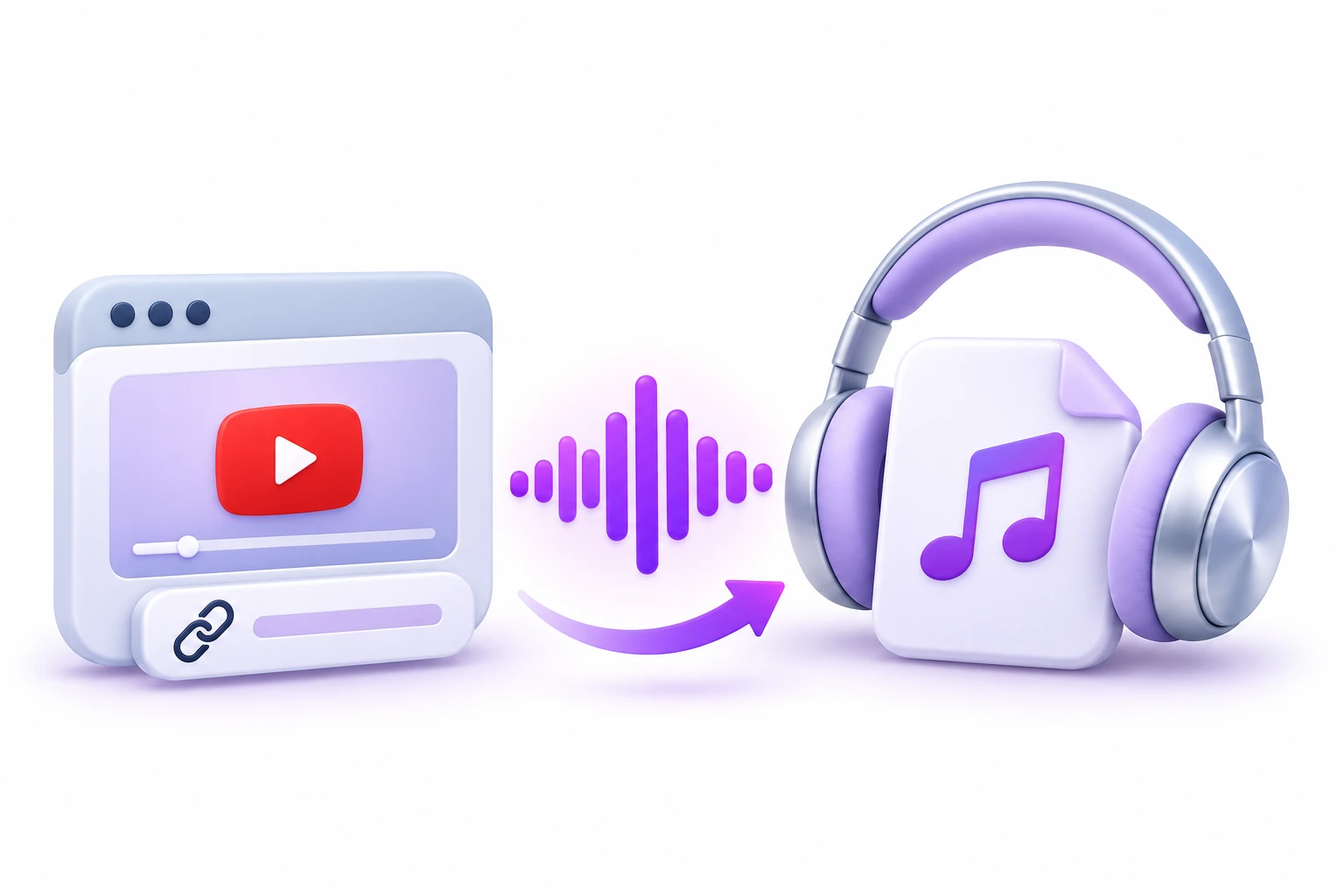
Use YouTube to MP3 to turn speech or music into a widely compatible audio file. Source quality and MP3 encoding affect the result; conversion cannot restore missing detail.
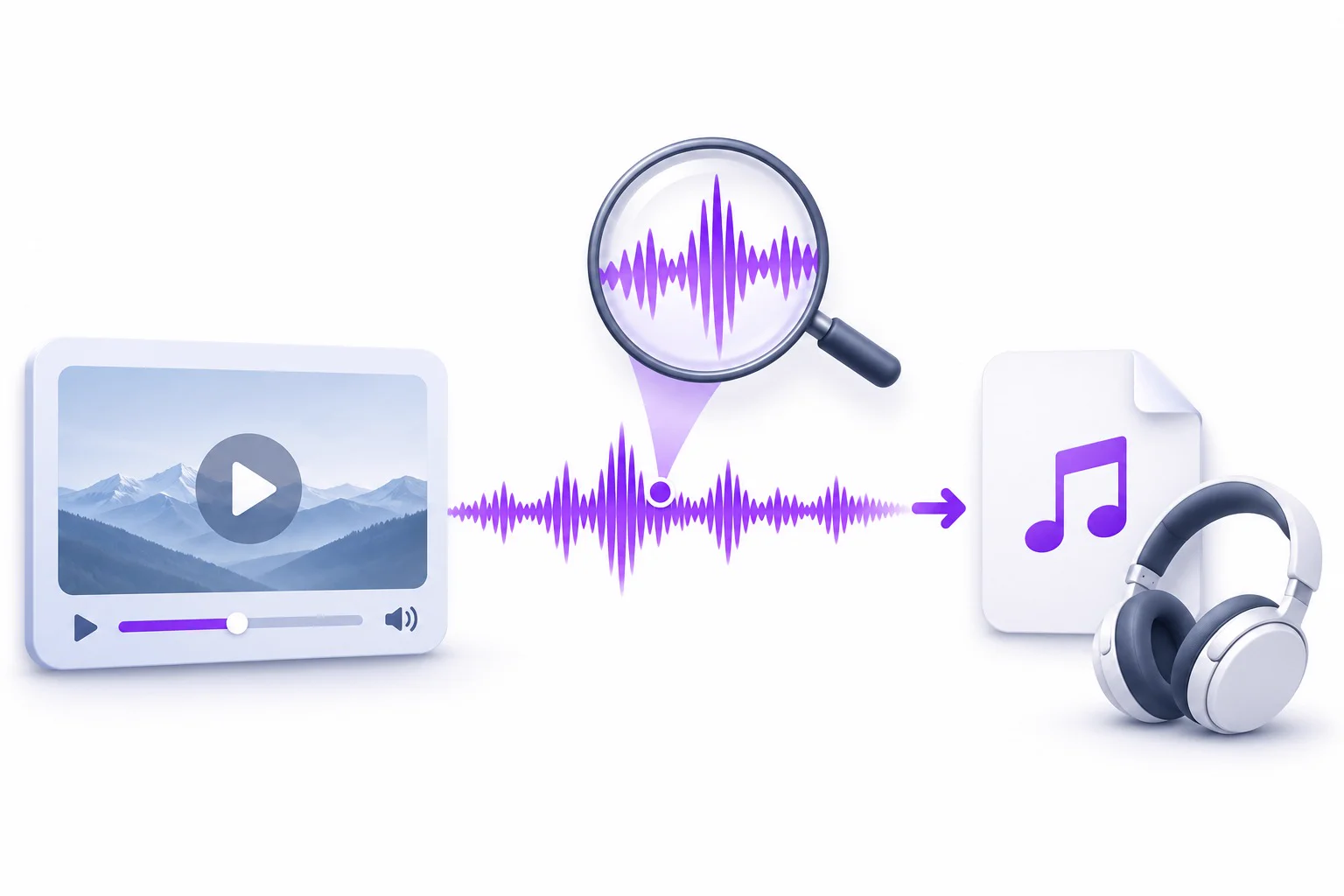
YouTube to MP3 supports short clips and hours-long podcasts, lectures, and ambient recordings. Longer videos can take more time, so allow processing to finish before trying again.
YouTube to MP3 is a standalone free tool with no registration requirement. Paste your link and convert without a subscription, software bundle, or browser plugin.
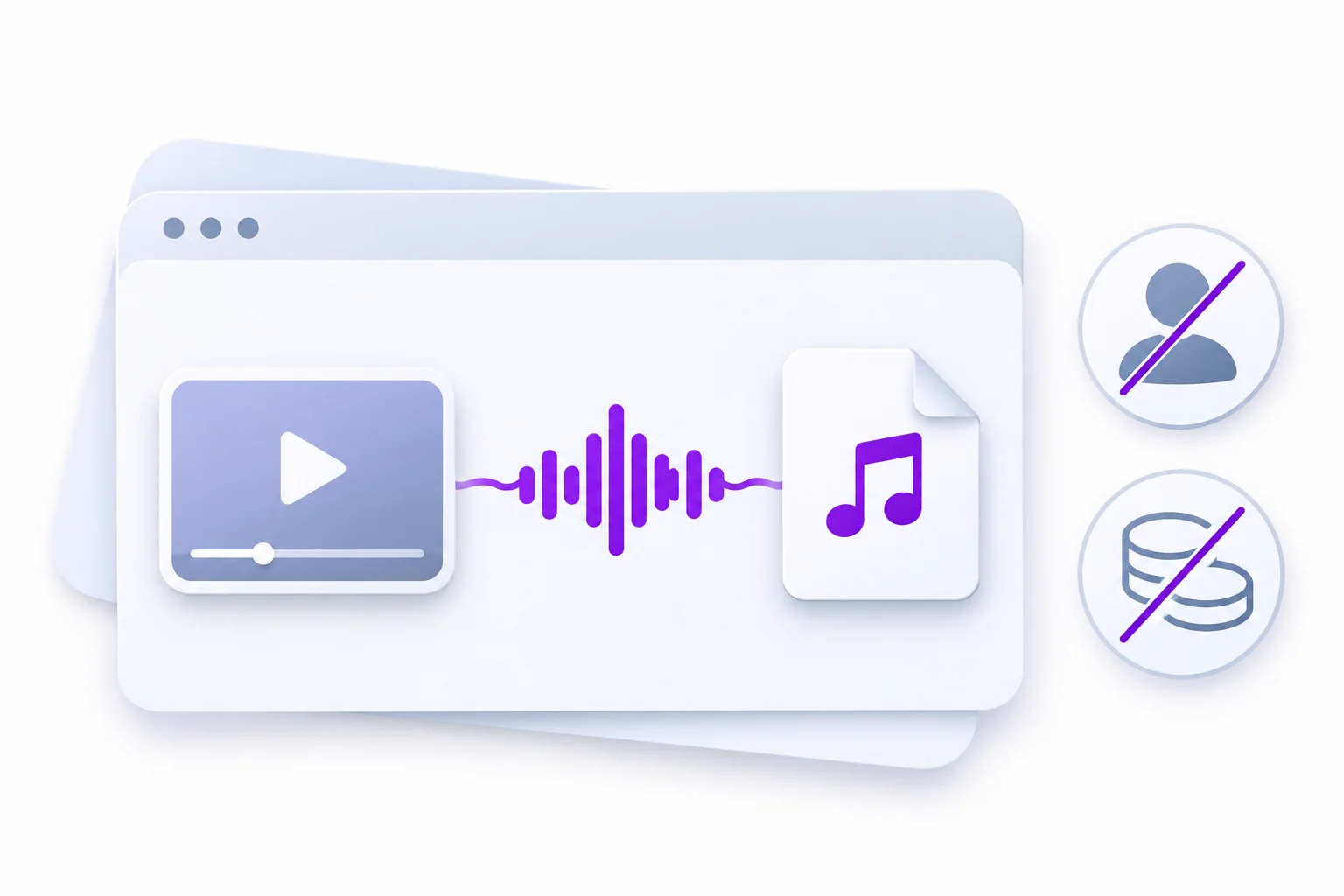
Use YouTube to MP3 for a journey, a study session, or a project with audio you have permission to use.
Take the Conversation with You
Save permitted interviews, audiobooks, and radio-style programs for a train ride, a walk, or another moment away from a connection.

Listen Again, Learn at Your Pace
Turn lectures, talks, and language lessons into audio you can revisit. Replay useful explanations and practise listening without keeping a video open.

Keep Authorized Performances Close
Listen to public-domain music and creator-authorized live recordings as MP3 files. Choose the clearest available source for a better listening experience.
Prepare Audio for Your Next Project
Extract licensed sound effects, royalty-free background music, or audio from open educational videos. Check the license terms for your intended use.
Listeners share how YouTube to MP3 fits into their work, study, and time away from a screen.

Maya Reed
Project coordinator
I saved an interview with YouTube to MP3 before my train journey. Having the file on my phone made it easier to keep listening through the areas with poor reception.

Daniel Brooks
University student
I use it for lectures my course allows us to keep. It is useful for going over an explanation while walking home instead of sitting through the video again.

Elena Torres
Language teacher
It helps me prepare permitted listening material for class. I still check the recording first, especially when the speaker is quiet or there is background music.

Luca Bennett
Freelance video editor
I tried it with my own video to get an audio copy. Copying a link was simpler than opening my editing project just for the sound.

Nina Foster
Graphic designer
I saved an authorized ambient recording for my afternoon work sessions. I like being able to play the audio without leaving a video tab open.

Samir Patel
Research assistant
A long public lecture took a little longer to process, but I could save the finished audio. It is handy for revisiting the discussion while reviewing my notes.
Practical answers about YouTube to MP3, from saving a file on your phone to understanding audio quality.
Copy the video link, paste it into YouTube to MP3, and start conversion. When the file is ready, save it to your device. This standalone tool is free and does not require registration. You can use your browser without installing an app.
Open this page in your phone’s browser, paste the video link, and convert it. Use the save option when the MP3 is ready. If the file opens in a player, look for the browser’s save or share menu. The file location depends on your device and browser.
Yes. YouTube to MP3 supports regular videos, Shorts, mobile share links, and hours-long recordings. A long video can take more time to process. If a link fails, first check that it opens the intended video, then copy the full address and try again.
No. YouTube to MP3 creates an MP3, which uses lossy compression. Source quality and encoding affect the result. A larger file or a higher bitrate cannot restore detail already missing from the source. Choose the clearest available recording and listen to the finished file before using it.
This tool does not require an account or installed software. Do not enter your YouTube password, install an unexpected extension, or provide payment details to complete a free conversion. Check the page address and close unrelated prompts. These precautions help reduce risk; they are not a guarantee that every converter is safe.
Use your own material or content you have permission to save and use, and follow the applicable platform terms and local rules. A publicly accessible video does not automatically grant permission to copy or reuse its audio. Check any attribution, editing, and commercial-use conditions before using a recording in a project.